Affiliate disclosure: PicksLab earns commissions on qualifying Amazon purchases via the pickslab-20 tag, at no extra cost to you.
TL;DR - Our top pick: Dell UltraSharp U3425WE combines the practical 34-inch productivity sweet spot with 120Hz motion, Thunderbolt connectivity, and a useful office hub.
| Pick | Best For | Workspace and Connection |
|---|---|---|
| Dell UltraSharp U3425WE | Best overall | 34-inch WQHD, Thunderbolt 4 hub |
| LG UltraFine 40U990A-W | Modern Macs and high-end laptops | 40-inch 5K2K, Thunderbolt 5 |
| Dell UltraSharp U4025QW | Dense professional workflows | 40-inch 5K2K, Thunderbolt 4 hub |
| Philips 346E2CUAE | Budget USB-C productivity | 34-inch WQHD, USB-C |
| LG 40WP95C-W Dock Bundle | 5K2K creative work with accessories | 40-inch 5K2K, Thunderbolt 4 |
Feature Comparison
| Product | Resolution | Refresh Rate | Laptop Connection | Best Fit |
|---|---|---|---|---|
| Dell UltraSharp U3425WE | 3440 x 1440 | Up to 120Hz | Thunderbolt 4 with hub | Coding and mixed office work |
| LG UltraFine 40U990A-W | 5120 x 2160 | Up to 120Hz | Thunderbolt 5 | New high-bandwidth workstations |
| Dell UltraSharp U4025QW | 5120 x 2160 | Up to 120Hz | Thunderbolt 4 with hub | Data, finance, and development |
| Philips 346E2CUAE | 3440 x 1440 | Up to 100Hz | USB-C with 65W charging | Value-focused laptop desks |
| LG 40WP95C-W Dock Bundle | 5120 x 2160 | Up to 72Hz | Thunderbolt 4 with 96W charging | Timelines and large canvases |
The useful split is not simply cheap versus expensive. A 34-inch 3440 x 1440 display is easier to fit, easier for most laptops to drive, and wide enough for two comfortable work zones. A 40-inch 5120 x 2160 monitor adds meaningful vertical resolution for code, spreadsheets, timelines, and large documents, but it needs a deeper budget, more desk width, and a computer output that supports the full resolution and refresh rate.
Connectivity can replace other hardware. A monitor with enough charging power, USB ports, Ethernet, and video output may remove a separate dock from the desk. Buyers who still need more ports should compare our Thunderbolt 4 laptop docks. If the real goal is to share the display and USB peripherals between two computers, check the KVM comparison by video path and cable count; a monitor hub alone does not establish that switching path. A sturdy monitor arm can reclaim desk depth, but verify the monitor’s weight and VESA pattern before ordering.
How We Chose
We compared current manufacturer specifications for resolution, panel size, refresh rate, charging, hub functions, stand adjustment, and warranty support. We then checked each exact US Amazon listing for an active purchasing path and removed unavailable models from the previous version of this guide. Prices below are snapshots from that availability check, not promises about future pricing.
We favor text clarity, usable vertical space, laptop compatibility, and cable management over gaming-only features. PicksLab has not claimed hands-on testing of these monitors; this is an expert-researched comparison grounded in manufacturer documentation and current retail availability.
1. Dell UltraSharp U3425WE
Buy Dell UltraSharp U3425WE on Amazon
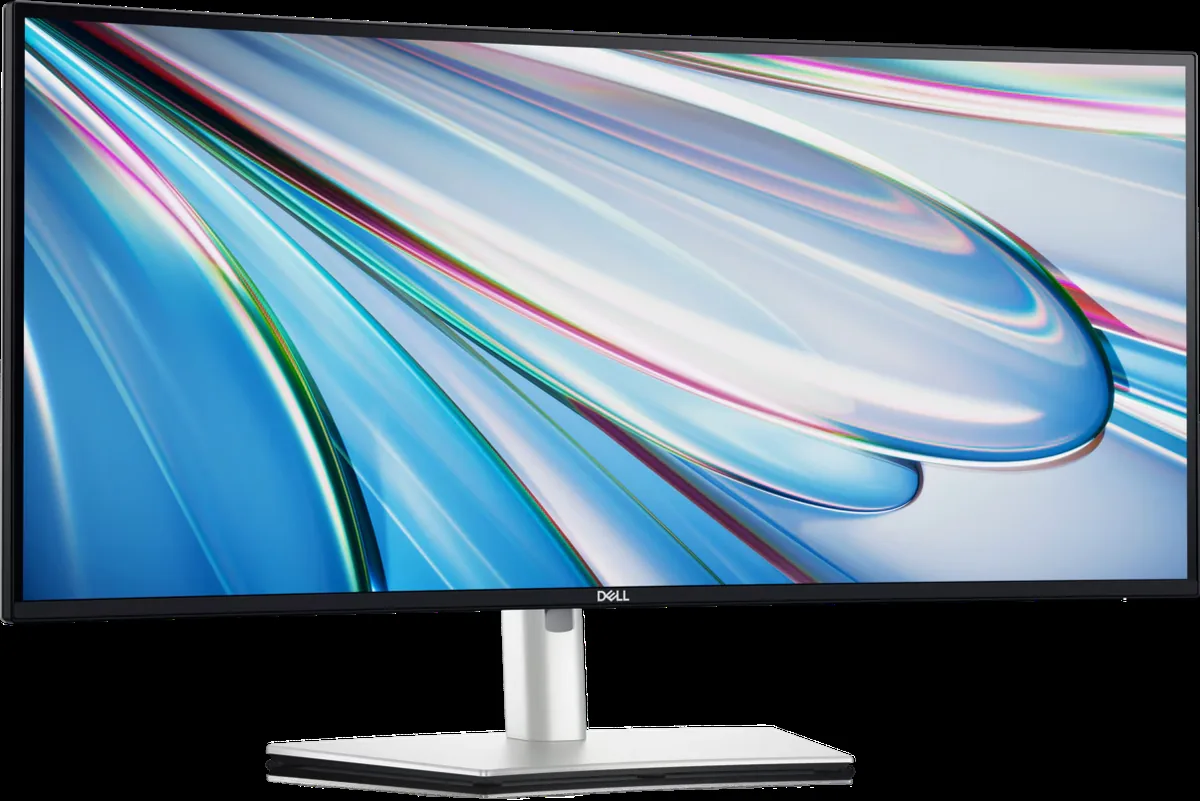
Product image: Dell.
At our availability check, Amazon displayed this listing at $754.00 with active purchase controls.
The Dell UltraSharp U3425WE is the best fit for most professional desks because it balances a manageable 34-inch size with a 3440 x 1440 workspace and a 120Hz refresh rate. Two documents or applications can sit side by side without the center bezel of a dual-monitor setup, while the extra refresh rate makes scrolling through code, long pages, and large spreadsheets feel more immediate than on a 60Hz office display.
Its Thunderbolt 4 hub is the practical differentiator. A compatible laptop can use one cable for display, charging, and access to the monitor’s ports. Dell also gives this model an adjustable stand and office-oriented controls, which matter more over a full workday than decorative lighting or an extreme curve.
The compromise is pixel density. WQHD at 34 inches is comfortable for general office work, but it does not provide the taller, sharper canvas of a 40-inch 5K2K panel. Skip it if you routinely inspect high-resolution media at full scale or need several dense vertical panes. For coding, writing, research, and mixed laptop work, it is the most sensible complete package.
2. LG UltraFine 40U990A-W
Buy LG UltraFine 40U990A-W on Amazon
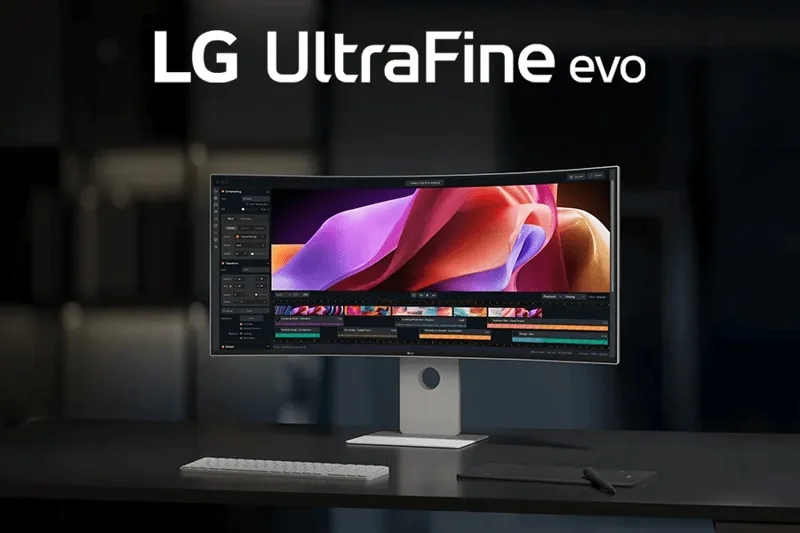
Product image: LG.
At our availability check, Amazon displayed this listing at $1,749.99 with active purchase controls.
The LG UltraFine 40U990A-W is the forward-looking option for a workstation that can use Thunderbolt 5. Its 40-inch 5120 x 2160 Nano IPS Black panel provides substantially more vertical room than a 34-inch WQHD monitor, and the 120Hz refresh rate avoids the slower desktop feel associated with older 5K2K ultrawides.
Thunderbolt 5 makes the most sense with a recent high-end Mac or Windows workstation. The connection has enough headroom for a demanding display and fast peripherals, while the monitor’s wide workspace suits long editing timelines, several code panes, large spreadsheets, or a document beside a full browser window.
The price is difficult to justify for ordinary email and browser work, and buyers with Thunderbolt 4 computers will not receive the full value of its newest connection. Confirm the supported resolution and refresh rate for your exact computer before buying. Skip it unless the 5K2K canvas and modern workstation connection solve a specific daily constraint.
3. Dell UltraSharp U4025QW
Buy Dell UltraSharp U4025QW on Amazon
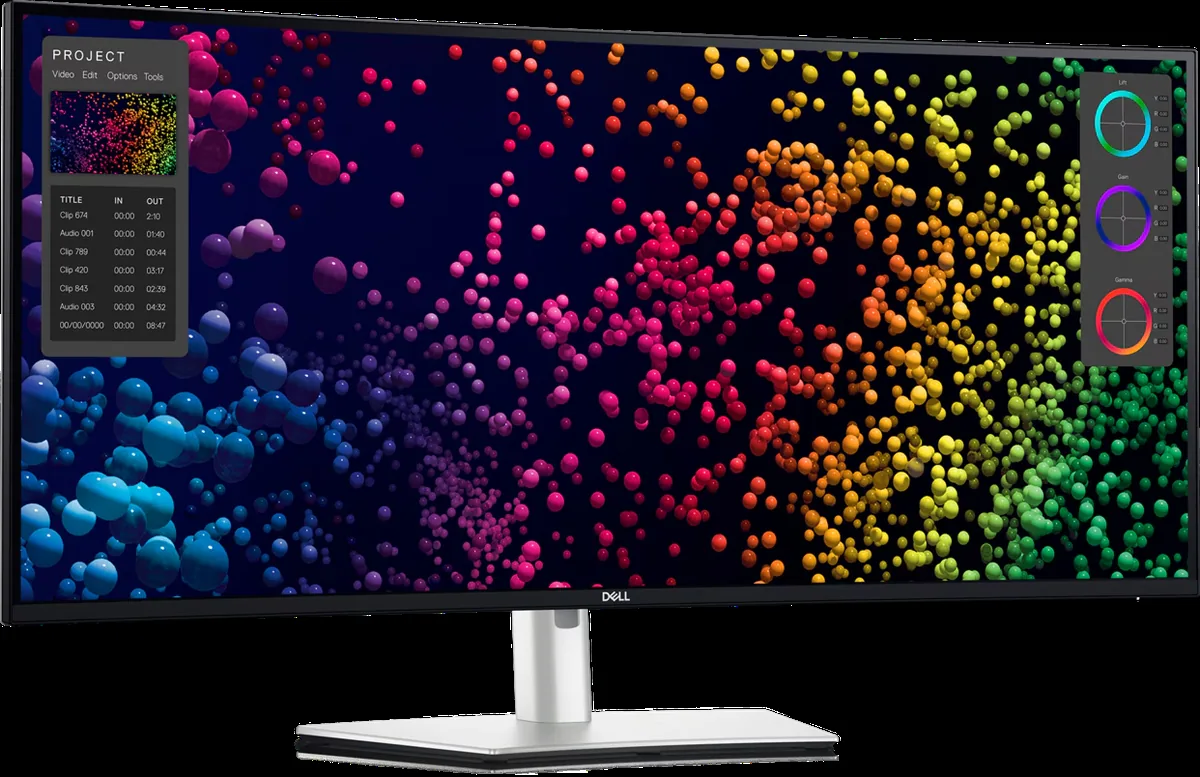
Product image: Dell.
At our availability check, Amazon displayed this listing at $1,629.00 with active purchase controls.
The Dell UltraSharp U4025QW is the strongest 40-inch pick for a dense office workflow built around Thunderbolt 4. It combines 5120 x 2160 resolution with up to 120Hz refresh, giving developers, analysts, and finance users both the vertical space for long data views and smoother motion during constant scrolling and window movement.
Its hub functions can consolidate a laptop, network connection, peripherals, and display into a cleaner desk arrangement. That makes the cost easier to understand when the alternative is two premium monitors plus a capable docking station. The curved panel also keeps the edges at a more consistent viewing distance than a flat display of this width.
This is still a large, expensive monitor that demands careful placement. A shallow desk can leave the screen uncomfortably close, and an older laptop may not drive 5K2K at the preferred refresh rate. Skip it for shared workstations or light home-office use. Consider it when one display is the center of a full-time technical or analytical job.
4. Philips 346E2CUAE
Buy Philips 346E2CUAE on Amazon
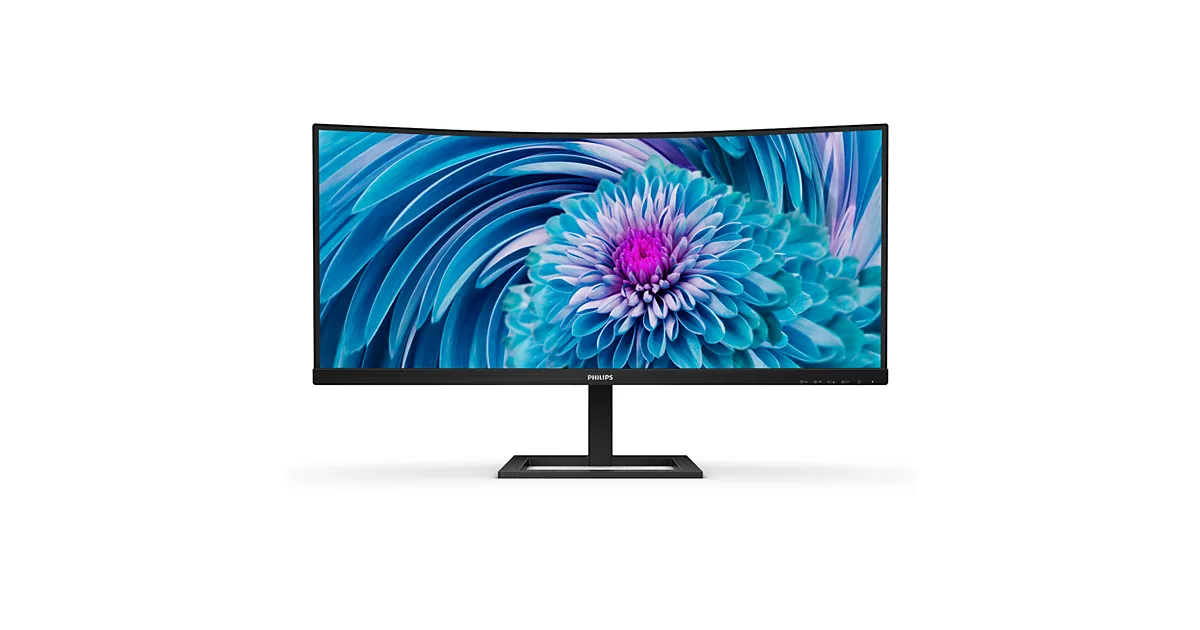
Product image: Philips.
At our availability check, Amazon displayed this listing at $269.99 with active purchase controls.
The Philips 346E2CUAE is the value choice for buyers who want a wide desktop and a simpler laptop connection without paying for a premium Thunderbolt hub. It provides a 34-inch 3440 x 1440 curved VA panel, up to 100Hz refresh, USB-C with 65W charging, built-in speakers, and height adjustment.
That combination covers writing, coding, research, spreadsheets, and browser-based work well. USB-C can carry video and charge many thin-and-light laptops, though 65W may be insufficient for a mobile workstation under heavy load. The VA panel also favors contrast over the wider viewing-angle and color-consistency strengths of IPS.
The lower price comes with fewer docking features and less assurance for color-sensitive creative work. Skip it if you need Ethernet, a KVM-style workflow, high charging power, or calibrated media production. For a straightforward ultrawide upgrade, it offers the most workspace per dollar in this group. Our monitors under $300 guide covers conventional 16:9 alternatives at a similar budget.
5. LG 40WP95C-W Dock Bundle
Buy LG 40WP95C-W Dock Bundle on Amazon
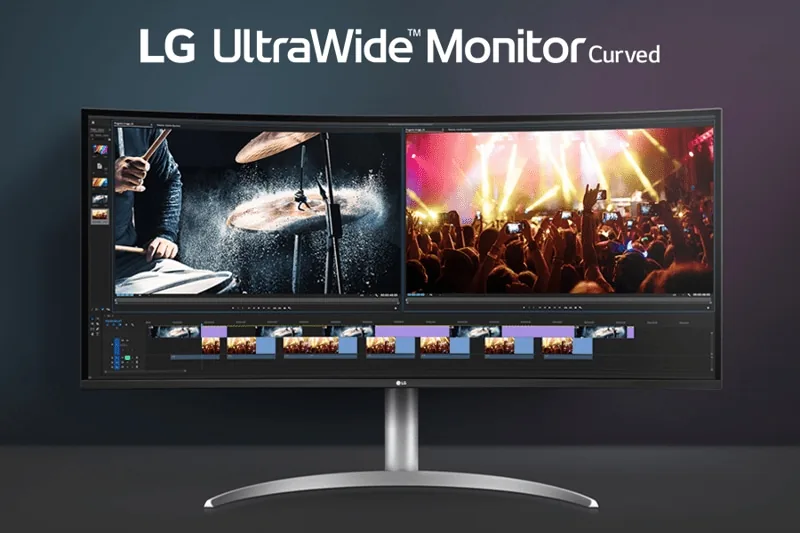
Product image: LG.
At our availability check, Amazon displayed this bundle listing at $1,639.95 with active purchase controls.
The LG 40WP95C-W remains useful for creative professionals who value a 40-inch 5120 x 2160 Nano IPS canvas and Thunderbolt 4 with up to 96W charging. The extra vertical pixels are valuable in editing timelines, design applications, large photographs, and page layouts where a 34-inch WQHD display can feel short.
This exact Amazon offer is a third-party bundle that includes the monitor with additional dock-related accessories. That can be convenient for a new workstation, but buyers should compare the included items and seller terms against the monitor alone instead of assuming the bundle is automatically a better value.
Its 72Hz maximum refresh rate is smoother than 60Hz but notably behind the 120Hz LG 40U990A-W and Dell U4025QW. Skip it if fast desktop motion or the newest connection standard matters more than the bundle. It is most compelling for a Thunderbolt 4 creative setup where 5K2K resolution is the priority.
Who Should Buy What
- For the best overall productivity setup: choose the Dell UltraSharp U3425WE.
- For a new Thunderbolt 5 workstation: get the LG UltraFine 40U990A-W.
- For dense technical and analytical work: step up to the Dell UltraSharp U4025QW.
- For the lowest sensible USB-C budget: pick the Philips 346E2CUAE.
- For a 5K2K Thunderbolt 4 creative bundle: consider the LG 40WP95C-W Dock Bundle.
FAQ
Is a 34-inch ultrawide better than two monitors?
A 34-inch ultrawide is often better when you want two work zones without a bezel in the center and prefer one stand, one power cable, and one set of display controls. Two monitors remain more flexible when one needs portrait orientation, the applications require different color settings, or you already own one suitable display.
Is 3440 x 1440 sharp enough for productivity?
Yes, 3440 x 1440 is a practical resolution for a 34-inch productivity monitor. It creates a wide workspace without the output demands of 5K2K and is comfortable for normal viewing distances. Buyers who prioritize very fine text or need more vertical pixels should consider a 40-inch 5120 x 2160 model.
Does an ultrawide monitor replace a docking station?
Some models can. A Thunderbolt monitor with enough charging power, USB ports, Ethernet, and downstream display support may handle the devices that would otherwise connect to a dock. Check every required port and the laptop’s charging wattage; a basic USB-C monitor such as the Philips does not offer the same hub depth as the Dell UltraSharp models.
Can every laptop run a 5K2K ultrawide monitor?
No. The laptop, port, cable, operating system, and graphics hardware must support the monitor’s full resolution and target refresh rate. A computer may produce an image but fall back to a lower refresh rate or resolution. Check the computer manufacturer’s external-display specifications before buying a 5K2K monitor.
Is a curved ultrawide good for spreadsheets and coding?
Yes. A gentle curve can keep the far edges of a wide display at a more consistent distance from your eyes, while the horizontal space allows a spreadsheet beside reference material or several code panes at once. The benefit is most noticeable on 34-inch and 40-inch screens viewed from the center.
Bottom Line
The Dell UltraSharp U3425WE is the best ultrawide monitor for productivity for most buyers because it combines a useful 34-inch workspace, 120Hz refresh, and real docking features without the desk and computer demands of 5K2K. The Dell U4025QW is the stronger premium choice for dense workflows, while the Philips 346E2CUAE delivers the core ultrawide benefit at a much lower cost.