Affiliate disclosure: PicksLab earns commissions on qualifying Amazon purchases, at no extra cost to you.
Ever found the perfect miniature for your next campaign, only to discover it’s a download rather than something you can put on the table? A resin printer turns those model files into figures you can paint: your party’s characters, a group of enemies, or the unusually specific monster your next session needs.
The expensive printer isn’t automatically the sensible one. For a few characters, we’d start with a smaller machine and leave money for washing, curing and a suitable workspace. A larger plate becomes useful when you’re making squads or several pieces of a display model at once. That’s the difference this shortlist is built around, rather than treating the biggest resolution number as the winner.
TL;DR - Our top pick: The ELEGOO Mars 5 Ultra is our starting point for character-sized prints: automatic leveling and Wi-Fi make the workflow less fiddly without paying for a large plate you may rarely fill. The Anycubic Photon Mono 4 costs less if manual leveling and USB transfer don’t bother you.
Five Printers and Their Checked Prices
Prices checked October 10, 2026, for new US offers, before tax. These are ordinary non-Prime prices, not coupons or used listings. Standard delivery was free to the checked US location; dates and prices depend on your address and selected offer.
| Product | Price checked | What the extra money buys | Main limitation |
|---|---|---|---|
| Anycubic Photon Mono 4 | $239.99 | A small 10K machine with straightforward USB transfer | Manual leveling; no app or built-in vat temperature control |
| ELEGOO Mars 5 Ultra | $299.99 | Automatic leveling, tilt release and Wi-Fi | Narrow plate for batches or large supported models |
| Creality HALOT-MAGE S | $439.99 | Much more plate area, Ethernet and a flip-up lid | Manual plate leveling; resin pump is optional |
| ELEGOO Saturn 4 Ultra 16K | $649.99 | Larger plate, automatic leveling and 30 C vat heating | Higher purchase cost and larger cleanup setup |
| Phrozen Sonic Mighty Revo 16K | $749.99 | Chamber heating, Ethernet and phone monitoring | Delivery estimate was October 29-November 24, not immediate |
Prime-only prices displayed separately were $179.99 for the Mono 4, $284.99 for the Mars and $519.99 for the Saturn. Those discounts are conditional, not the prices every reader can pay. Check the exact model suffix: Mono 4 is not Mono 4 Ultra, Saturn 4 Ultra 16K is not the older 12K version, and Revo 16K is not Revo MAX.
Feature Comparison
Build dimensions are manufacturer X x Y x Z limits in millimeters, not the printer’s footprint. XY pixel size describes the screen’s sampling grid; it isn’t a measured promise of finished-model accuracy.
| Product | Build space | XY pixel size | Leveling and heat | File transfer |
|---|---|---|---|---|
| Photon Mono 4 | 153.4 x 87 x 165 mm | 17 x 17 microns | Four-point manual; no temperature-controlled vat | USB drive |
| Mars 5 Ultra | 153.36 x 77.76 x 165 mm | 18 x 18 microns | Automatic; no heater in the listed specification | USB, Wi-Fi |
| HALOT-MAGE S | 223 x 126 x 230 mm | 16.8 x 24.8 microns | Manual; no heater in the listed specification | USB, Wi-Fi, Ethernet |
| Saturn 4 Ultra 16K | 211.68 x 118.37 x 220 mm | 14 x 19 microns | Automatic; 30 C vat heating | USB, Wi-Fi |
| Mighty Revo 16K | 211.68 x 118.37 x 235 mm | 14 x 19 microns | Assisted; 30 C chamber heating | USB, Wi-Fi, Ethernet |
How Much Plate Do Your Miniatures Need?
Start with a model you actually want to print. Open it in the manufacturer’s supported slicer, orient it and add supports. The outline of the supports and raft, not the diameter of the finished miniature’s base, is what has to fit. A raised sword, wings or a tilted model can turn a small figure into a surprisingly wide job.
Here’s a deliberately simple planning example. Allow a 5 mm margin around the plate and reserve a 40 x 40 mm square for each supported figure, including its own spacing. Straight rows would fit three squares on the Mars or Mono 4, and ten on the Creality, Saturn or Phrozen. The calculation is floor((X - 10) / 40) x floor((Y - 10) / 40). It is a layout illustration, not a tested capacity claim: smaller footprints, staggered packing and rotation change the result, and supports must still be checked in the slicer.
That explains the upgrade better than 9K versus 16K alone. The Mars has roughly 119 square centimeters of plate area; the Saturn has about 251, a little over twice as much. But the bigger machine doesn’t make your single character twice as useful. It earns its space when you can fill more of that plate, or fit parts that otherwise need splitting.
Don’t turn this into a print-time guarantee. Model height, layer thickness, exposure and release settings all affect a job. Filling a plate with same-height figures can be efficient on an LCD resin printer, but a taller model or different resin profile changes the schedule. Check the sliced job, not just the advertised maximum millimeters per hour.
1. Anycubic Photon Mono 4
Buy Anycubic Photon Mono 4 on Amazon ->
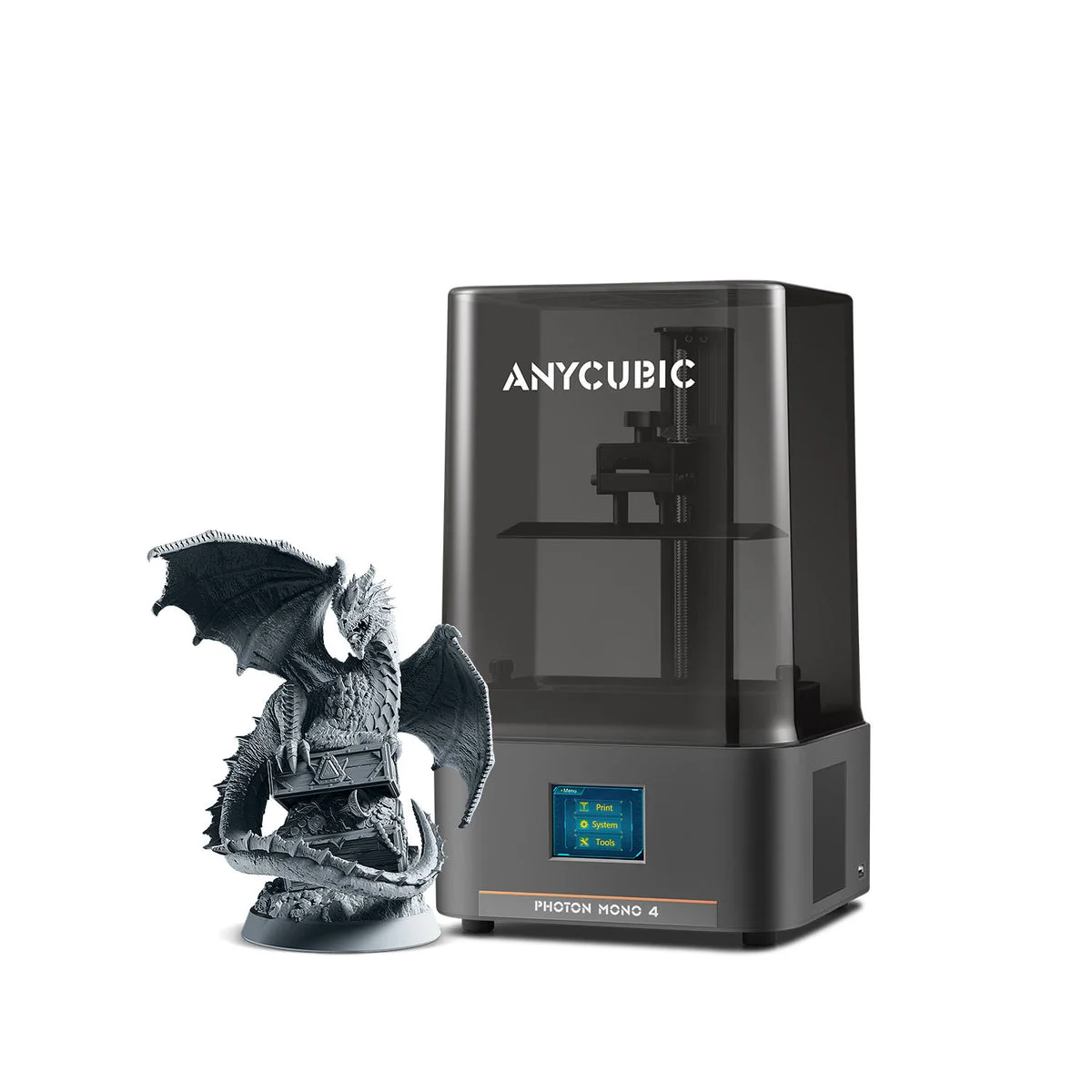 Image: Anycubic.
Price checked: $239.99 new, sold by ANYCUBIC Official Store and shipped by Amazon; active Add to cart and Buy Now controls.
Key specs: Build volume: 153.4 x 87 x 165 mm; XY pixel size: 17 x 17 microns; Screen: 7-inch 10K; Leveling: four-point manual; Transfer: USB drive.
The Mono 4 leaves more of your budget for the equipment you need after printing. Its small plate suits character figures and modest groups, and it actually offers a little more front-to-back print space than the Mars. Fine pixel spacing is useful for small details, but resin choice, exposure and support placement still decide whether those details survive the whole process.
The savings come with a simpler workflow. You level the plate manually and carry sliced files over on a USB drive. Anycubic’s specification explicitly lists the app, automatic resin filling and temperature-controlled vat as unsupported. Don’t buy it expecting phone monitoring or automatic temperature management.
Use Anycubic Photon Workshop, available for Windows and macOS. Select the Photon Mono 4 profile, not Mono 4 Ultra, then export the sliced file to USB. This is a reasonable first machine for someone willing to learn setup; the Mars is easier to justify when avoiding repeated trips with a USB stick matters to you.
2. ELEGOO Mars 5 Ultra
Buy ELEGOO Mars 5 Ultra on Amazon ->
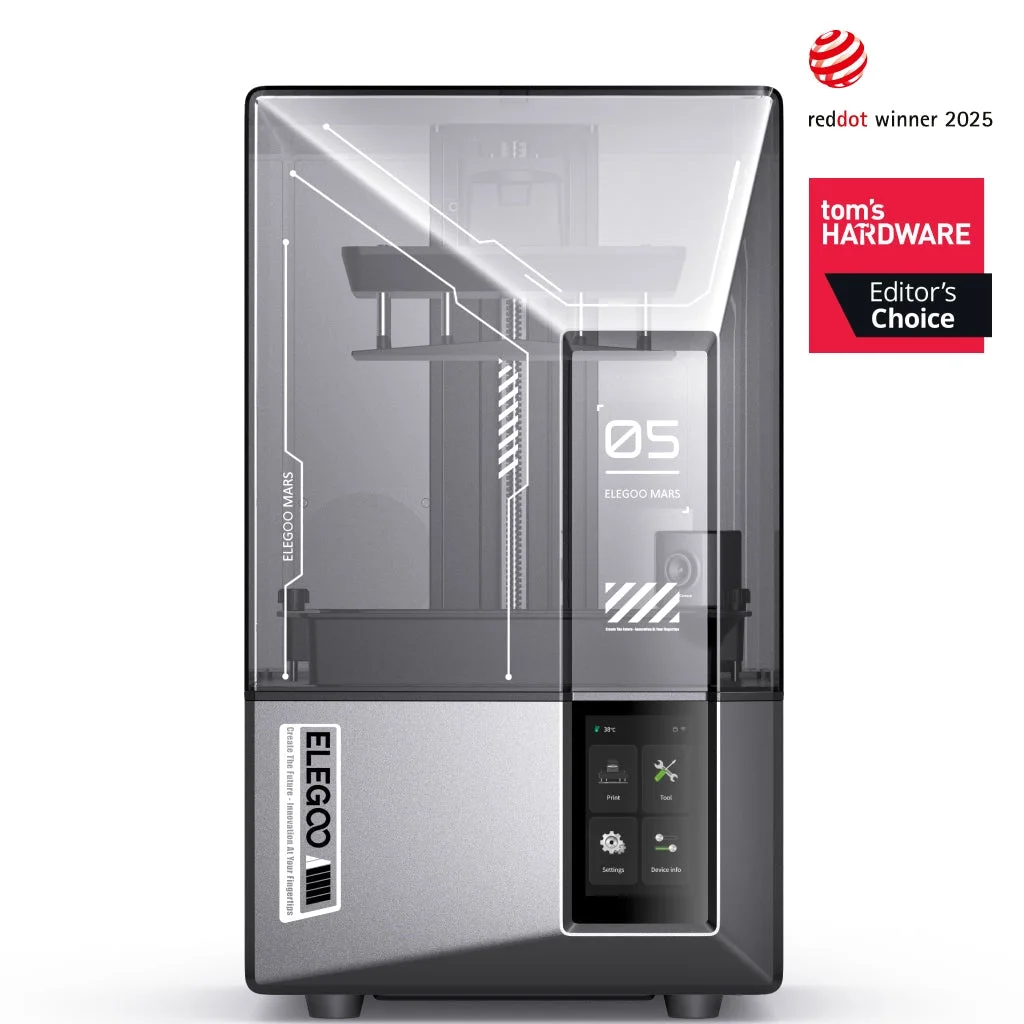 Image: ELEGOO.
Price checked: $299.99 new, sold by ELEGOO US and shipped by Amazon; active Add to cart and Buy Now controls.
Key specs: Build volume: 153.36 x 77.76 x 165 mm; XY pixel size: 18 x 18 microns; Screen: 7-inch 9K; Leveling: automatic; Transfer: USB and Wi-Fi.
The Mars is our starting point for a few detailed characters without a large-machine budget. Automatic leveling removes one manual setup step, and tilt release peels each exposed layer away from the vat film. Neither feature eliminates the need to support a model properly or calibrate a resin, but both are meaningful workflow differences from the Mono 4.
The manufacturer’s specification includes a camera, wireless transfer and mechanical sensing. Treat the camera as a way to check progress, not proof that the printer can identify every failed support. The narrow 77.76 mm side is the bigger purchasing constraint. Skip it if the supported models you want routinely exceed that width or you’d be running several small batches to finish each squad.
Install CHITUBOX from its official site, choosing the supported Windows or macOS package. Select the Mars 5 Ultra profile; use USB or configure the printer’s Wi-Fi workflow for transfer. ELEGOO’s Mars manual walks through setup. Don’t use a generic Mars profile simply because the name looks close.
3. Creality HALOT-MAGE S
Buy Creality HALOT-MAGE S on Amazon ->
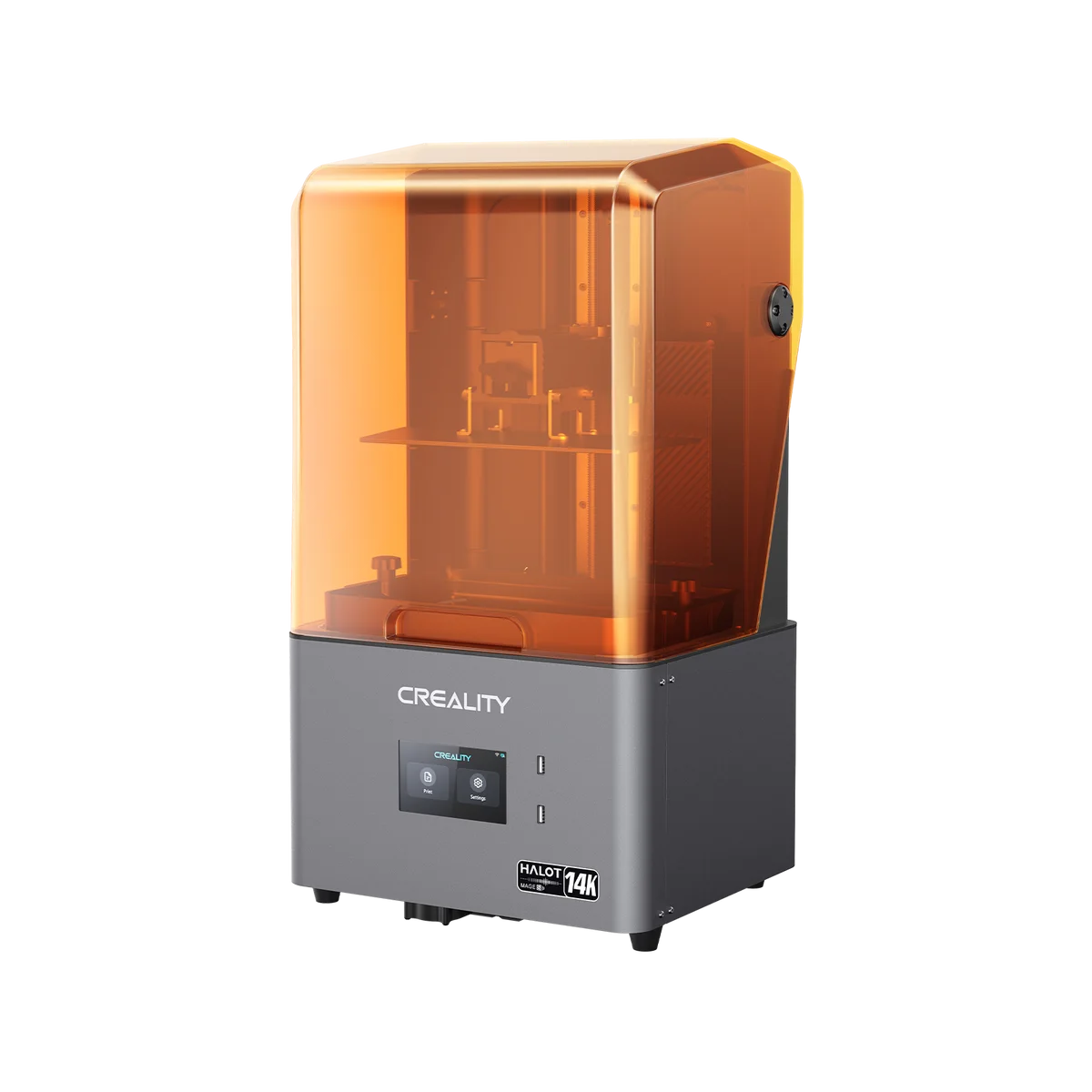 Image: Creality.
Price checked: $439.99 new, sold by Creality Official Store and shipped by Amazon; active Add to cart and Buy Now controls.
Key specs: Build volume: 223 x 126 x 230 mm; XY pixel size: 16.8 x 24.8 microns; Screen: 10.1-inch 14K; Transfer: USB, Wi-Fi and Ethernet; Resin: 405 nm compatible formulations.
The HALOT-MAGE S buys considerably more plate space without the Saturn’s checked price. It’s the strongest capacity-for-cost option in this group for someone who is comfortable leveling a plate. Its wider print area is useful for groups of figures, bases and supported monster parts, while Ethernet gives a fixed workshop another connection option besides Wi-Fi.
The manual’s build dimensions and pixel size matter more than the 14K label. That rectangular pixel grid is different from the Mono 4’s square pixels; the larger number on the box doesn’t establish a universally sharper finished miniature. Skip it if your main reason for upgrading is automatic leveling or a documented built-in resin heater.
Creality’s product page identifies the resin pump as an optional accessory. The included carbon filter also doesn’t replace ventilation. For slicing, go to the official Creality download center and select HALOT BOX rather than the filament-oriented Creality Print. Use the HALOT-MAGE S machine profile and an installer compatible with your computer; check the download’s OS requirements before buying. Network and cloud functions require their respective connection/setup, while USB remains an option.
4. ELEGOO Saturn 4 Ultra 16K
Buy ELEGOO Saturn 4 Ultra 16K on Amazon ->
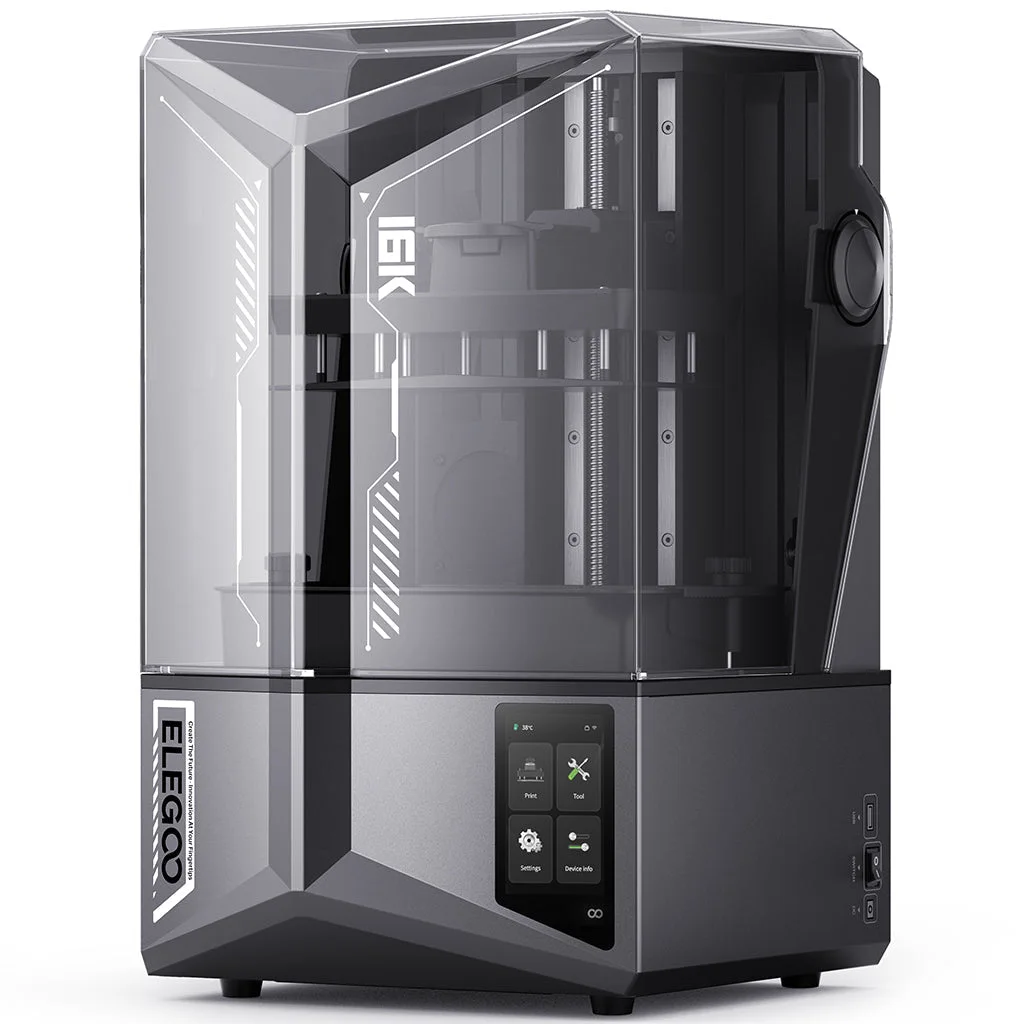 Image: ELEGOO.
Price checked: $649.99 new, sold by ELEGOO Official US and shipped by Amazon; active Add to cart and Buy Now controls.
Key specs: Build volume: 211.68 x 118.37 x 220 mm; XY pixel size: 14 x 19 microns; Screen: 10-inch 16K; Vat heating: 30 C; Leveling: automatic.
The Saturn is the upgrade for larger batches when you also want automatic leveling and heated resin. Heating matters because a chilly room can put resin outside its recommended printing conditions. The manufacturer’s 30 C vat setting is a concrete feature to compare with your resin’s instructions, not a claim that it makes every formulation work in every room.
It also uses tilt release and includes a camera with lighting, according to ELEGOO’s specification. The price step is substantial at the ordinary offers checked here. Skip it if you mostly print one small character at a time and don’t need its heated vat. A larger plate also needs a washing arrangement that can accommodate the plate or the removed parts.
ELEGOO confirms CHITUBOX support. Download CHITUBOX for your supported Windows or macOS system. Select Saturn 4 Ultra 16K specifically, not Saturn 4 Ultra 12K; prepare supports and resin settings before transferring by USB or Wi-Fi. The exact screen and build-size profile matters even when two machines share most of their name.
5. Phrozen Sonic Mighty Revo 16K
Buy Phrozen Sonic Mighty Revo 16K on Amazon ->
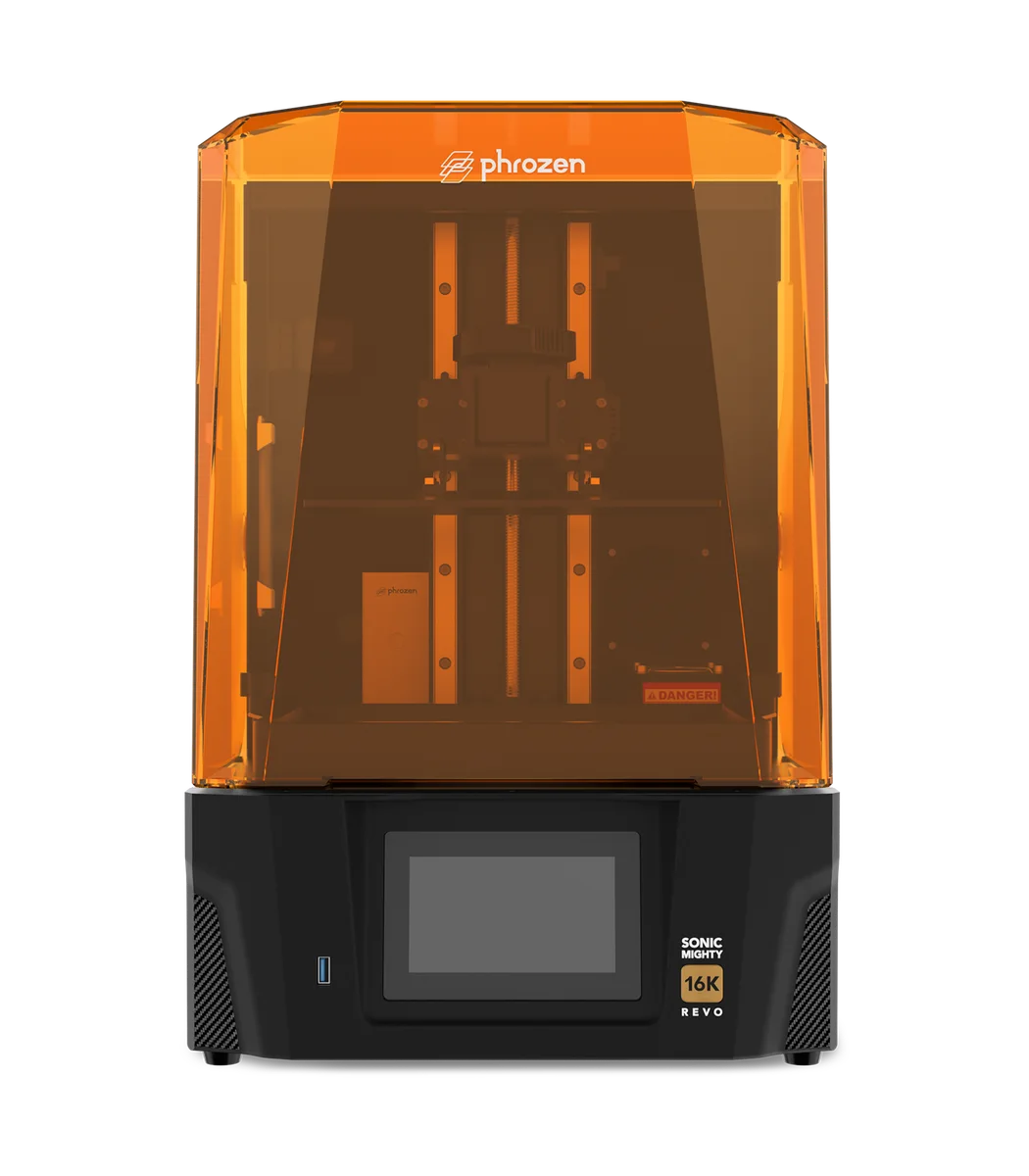 Image: Phrozen.
Price checked: $749.99 new, sold by Phrozen 3D Printer and shipped by Amazon; active Add to cart and Buy Now controls. The displayed delivery range was October 29-November 24 at the checked location.
Key specs: Build volume: 211.68 x 118.37 x 235 mm; XY pixel size: 14 x 19 microns; Chamber heating: 30 C; Transfer: USB, Wi-Fi and Ethernet; Z mechanism: dual rails with ball screw.
The Revo is the more expensive option for a connected workshop, with chamber heating and phone monitoring. Its plate has the same listed X/Y dimensions as the Saturn’s, so paying more does not buy more same-height miniature positions. You gain 15 mm of Z height, Ethernet and a different mechanical and monitoring system.
Phrozen’s model page describes assisted leveling and failure detection, but also gives conditions for those sensors: debris detection is specified for objects at least 4 mm, and its detachment alert depends on an absence of peeling force over multiple layers. Those aren’t guarantees that every tiny support failure will be caught. Skip it for a time-sensitive project given the delivery window we saw, or if the Saturn already covers your needs at a lower price.
Use CHITUBOX on a supported Windows or macOS computer. Phrozen’s 16K profile instructions identify CHITUBOX 3.0.1 support and an import route for older installations. Use the Revo 16K profile and verify 211.68 x 118.37 x 235 mm, not the original 14K profile. The official Phrozen GO links cover iOS and Android monitoring; a phone app isn’t a substitute for preparing a supported print file.
The Printer Isn’t the Whole Setup
Budget for resin, a washing method, a compatible curing method, protective equipment, a spill-resistant work surface, cleaning supplies and replacement release film. A wash-and-cure station is convenient, but check its usable basket dimensions against the prints you plan to make. A large printer paired with a wash container that can’t hold your model is an avoidable problem.
NIOSH’s resin-printing guidance identifies exposure during pouring, printing, washing and curing, not just while the cover is open. Follow the resin’s safety data sheet, provide appropriate ventilation, use splash/UV eye protection as appropriate to the task, and choose gloves rated for the resin and cleaning solvent. Keep wash containers closed when not in use. A carbon filter or weak smell doesn’t establish that a bedroom is a suitable workshop.
Water-washable resin changes the cleaning liquid; it doesn’t make liquid resin harmless. Collect contaminated cleaning liquid and follow the resin supplier’s disposal instructions and local waste rules. Keep the setup away from children, pets, food preparation and casual handling of uncured parts.
For bulky terrain, storage inserts and general household parts, our filament-printer comparison addresses a different workflow without a liquid-resin wash stage. For just a handful of characters, buying finished miniatures or commissioning prints may be simpler than maintaining a resin workspace. Use original or properly licensed model files, especially if you intend to sell prints.
Who Should Buy What
- A few personal characters on a tighter budget: Photon Mono 4, with money held back for safe handling and post-processing.
- A compact first setup with less manual adjustment: Mars 5 Ultra, provided the supported models fit its narrow plate.
- Larger batches without paying for automatic leveling: HALOT-MAGE S.
- Squads and a heated vat: Saturn 4 Ultra 16K.
- Ethernet and phone monitoring in a dedicated workshop: Mighty Revo 16K, after checking delivery timing.
For the rest of the game table, our D&D tablet guide covers character sheets and maps, while metal dice sets are ready-to-use accessories rather than another printing project.
How We Selected These Printers
We compared exact-model manufacturer specifications, setup instructions, software support and current US purchase offers. The shortlist spans four brands and two useful sizes: character-scale machines and larger batch printers. The plate-layout example is our calculation from published dimensions, with its assumptions stated above. We excluded the unavailable Phrozen Sonic Mini 8K S and UniFormation listings checked during research; an attractive specification isn’t useful if the linked machine cannot be bought.
FAQ
Is resin or filament better for tabletop miniatures?
Resin is worth considering when small sculpted details are the reason you’re printing, and you’re willing to handle washing, curing and liquid-resin precautions. Filament is a useful alternative for larger terrain, organizers and general-purpose parts. Neither choice removes the need to tune a printer, and a good model file still matters. Buying a finished figure is also a sensible option when you don’t want another workshop process.
Does 16K mean better miniatures than 9K or 10K?
Not by itself. The screen’s physical size and pixel spacing matter alongside its total pixel count. The Mono 4 has 17 x 17 micron pixels; the larger HALOT-MAGE S has 16.8 x 24.8 micron pixels despite the higher 14K label. Finished detail also depends on resin, exposure, supports, washing and curing. Don’t pay for a resolution badge without looking at the plate size and workflow you need.
Can I use water-washable resin without a wash-and-cure station?
You don’t necessarily need an automated station, but you still need the washing and curing process specified for that resin, suitable containers and a safe way to manage contaminated liquid. Water-washable does not mean drain-safe. Check the resin’s instructions before choosing a cleaner or UV curing arrangement, and don’t treat a rinse as a finished, fully cured miniature.
Will these printers make durable gaming pieces?
The printer alone doesn’t establish durability. A fine sword or thin ankle can break even when the surface detail looks excellent. Look at the chosen resin’s intended use and mechanical properties, then follow its curing instructions. Tougher formulations and less fragile model designs may suit handling better than a resin selected only for display detail; changing resin also means checking exposure settings again.
Bottom Line
For a personal collection of characters, we’d start with the Mars 5 Ultra and put the remaining budget into the rest of the setup. Move to a larger plate because your supported models or batch sizes need it, not because 16K sounds twice as good. Before ordering any of them, slice a model you want to make and decide where you will wash and cure it. Those two checks tell you far more about whether the purchase will work for you than a box full of resolution and speed claims.
This article contains affiliate links. PicksLab may earn a small commission at no extra cost to you. Our recommendations are based on the review method described in this article.