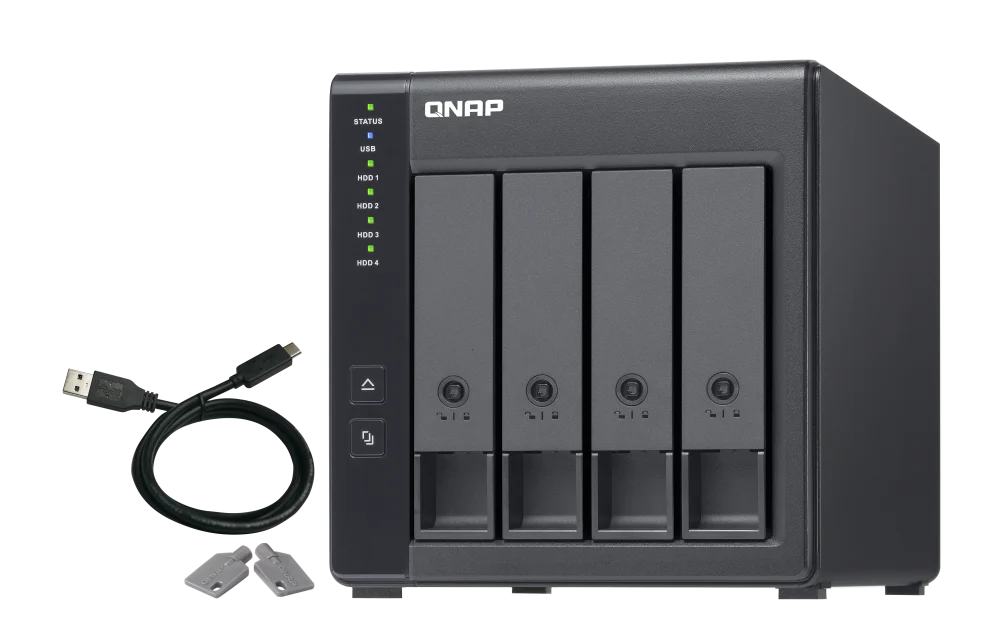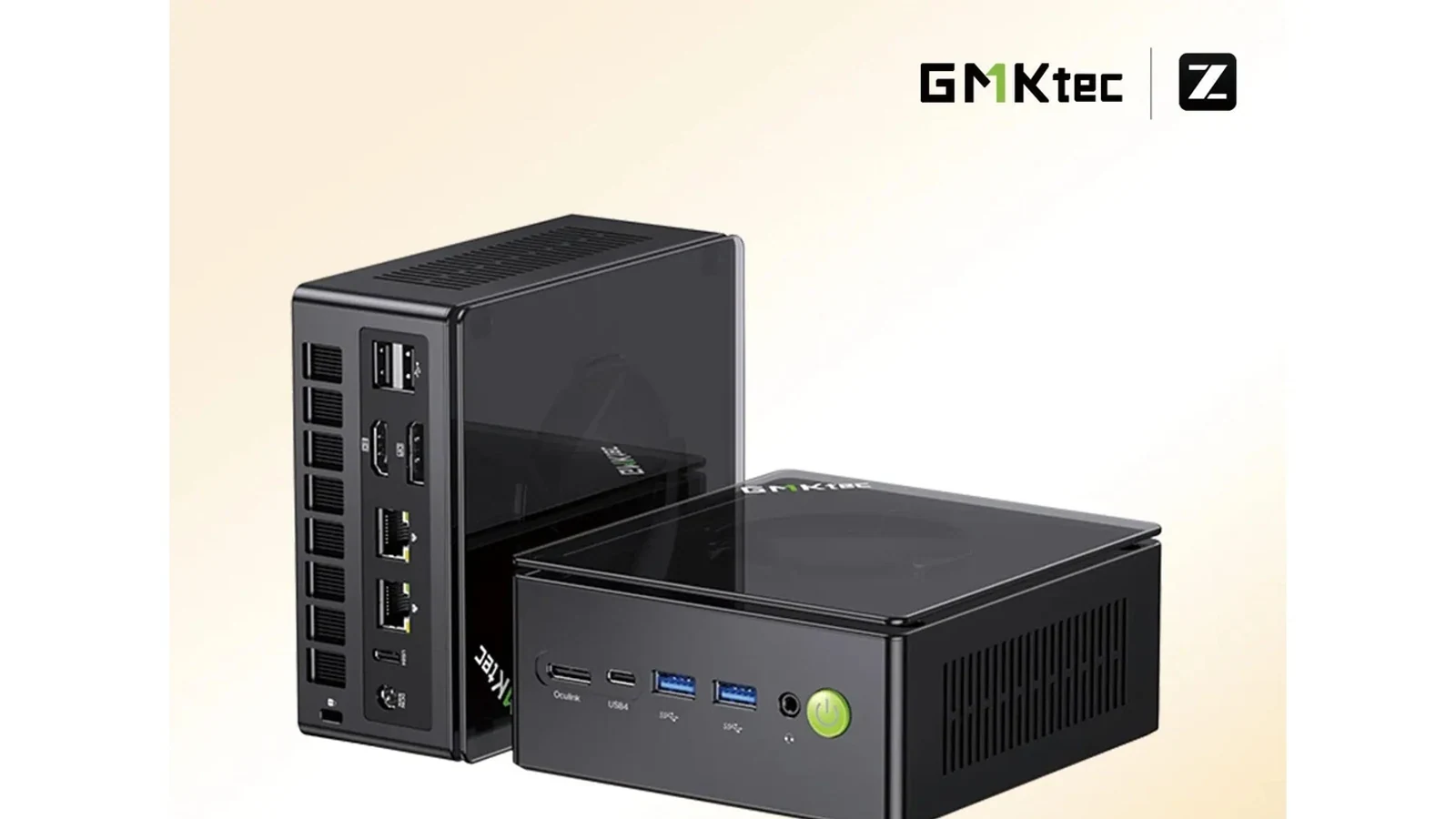
Affiliate disclosure: PicksLab earns commissions on qualifying Amazon purchases, at no extra cost to you.
TL;DR - Our top pick: Synology DS225+ is our researched pick for a household that wants both photo storage and supported whole-computer backups. Its backup software is the reason to spend more than the DS223, not a claim that it is the fastest enclosure. Neither includes hard drives.
The best 2-bay NAS for home backups is the one that protects the devices you actually use. A phone-photo library, a few Windows folders and a recoverable copy of an entire computer are three different jobs. Buying the box with the biggest advertised capacity does not settle any of them.
These five diskless models span four brands. Prices below are new-item Amazon snapshots checked September 19, 2026, before tax, without credit-card incentives or conditional coupons. They are ordered from lowest to highest enclosure price; prices and sellers can change. QNAP’s checked offer also charged shipping.
| Pick | Checked Price | Best For | Main Reason to Choose It |
|---|---|---|---|
| Synology DS223 | $254.99 | Photos and selected-folder backups | Lower-cost DSM entry without paying for unused expansion |
| Synology DS225+ | $364.99 | Photos plus supported whole-PC backups | Active Backup for Business support and a 2.5GbE port |
| ASUSTOR AS5402T | $406.99 | Separate HDD and SSD storage | Four M.2 slots alongside two SATA bays |
| TerraMaster F2-425 Plus N150 | $424.99 | An existing 5GbE network | Two built-in 5GbE ports and 8GB DDR5 |
| QNAP TS-264-8G-US | $469.00 plus shipping | Buyers planning a supported expansion card | PCIe expansion beyond the built-in M.2 slots |
What You Actually Need to Buy
Start with the enclosure, suitable drives, and a separate backup destination. All five offers here are diskless. Their power adapters do not turn them into ready-to-use storage, and the pictured drive bays are not included hard drives.
For a mirrored two-drive setup, budget for two compatible drives. Check the manufacturer’s exact-model compatibility list before ordering, especially if you want to reuse disks. Do not insert the only copy of your files into a new NAS expecting initialization to preserve it. Keep another verified copy before creating a storage pool.
Two 8TB drives in RAID 1 provide approximately 8TB of nominal mirrored capacity, not 16TB, before formatting and system overhead. Mirroring keeps another copy on the second drive if one fails; it does not make deletion, theft or ransomware harmless. Our RAID capacity calculator helps compare layouts, while Synology’s backup solution guide explains the separate-copy/offsite part of a backup plan.
You do not need SSD cache to start backing up a laptop. Put the money toward adequate drive capacity and another backup copy first. If you only need a backup for one computer and do not need shared network access, an external drive may be a simpler purchase. A NAS earns its place when several devices need an always-available destination without leaving somebody’s desktop running.
Feature Comparison
If you already own a desktop, compare the appliance route with our reuse-first home-server build guide. Its compatibility worksheet and partial-cart totals include the hardware and backup costs that a diskless enclosure price cannot answer.
| Model | Included RAM | Built-In Ethernet | Extra SSD Slots | Important Limit |
|---|---|---|---|---|
| DS223 | 2GB DDR4 | 1 x 1GbE | None | Not on the Active Backup for Business supported-model list |
| DS225+ | 2GB DDR4; up to 6GB | 1 x 2.5GbE + 1 x 1GbE | None | Photo object recognition requires a memory upgrade |
| AS5402T | 4GB DDR4; up to 16GB | 2 x 2.5GbE | 4 x M.2 NVMe | Each M.2 connection is PCIe 3.0 x1, not desktop x4 |
| F2-425 Plus N150 | 8GB DDR5; up to 32GB | 2 x 5GbE | 3 x M.2 NVMe | Faster ports need a matching network to help |
| TS-264-8G-US | 8GB DDR4 | 2 x 2.5GbE | 2 x M.2 NVMe | Confirm hardware revision before buying a RAM upgrade |
Port rates are connection specifications, not measured file-transfer speeds. Two Ethernet ports do not automatically make a single computer’s copy run twice as fast. Sources and exact software conditions are linked in each pick below.
1. Synology DS223
Buy Synology DS223 on Amazon ->
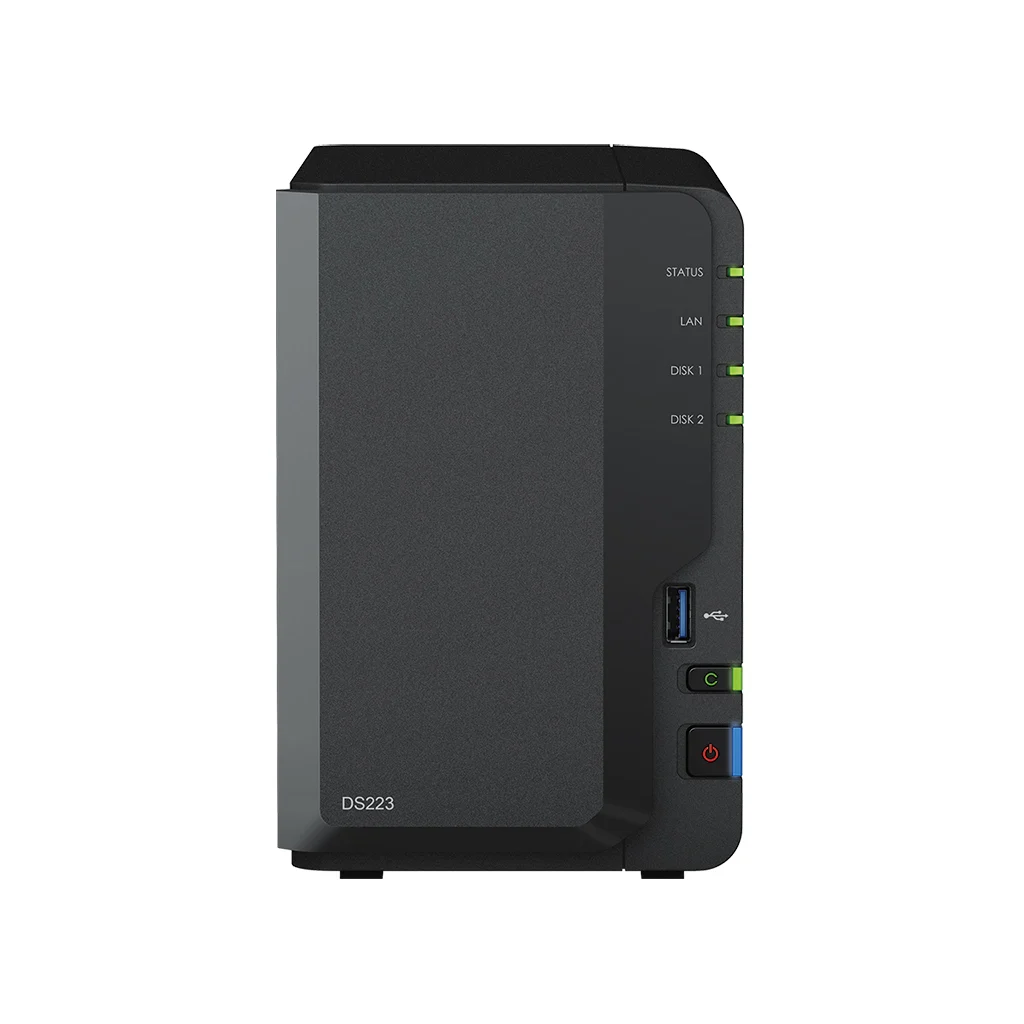 Image credit: Synology.
Checked price: $254.99, new, sold and shipped by Amazon.com.
Key specs: Processor: Realtek RTD1619B quad-core 1.7GHz; Memory: 2GB DDR4; Network: one 1GbE port; Drive bays: two SATA; Hardware warranty: two years.
Choose it for selected-folder and photo backups without paying for SSD expansion. The DS223 specifications establish the simpler hardware, while its DSM software provides Synology Drive and Photos. That makes sense for a family gathering documents and pictures from several devices, rather than running a collection of server applications.
Use the DS223 Download Center for DSM and the appropriate desktop utilities. Configure DSM in a supported browser; install Synology Drive Client on the computers whose folders you want to back up, and Synology Photos on supported iOS or Android devices. Give the mobile app photo permissions and check that uploads actually complete before deleting originals. The Drive documentation distinguishes synchronization from a backup task.
Skip it if you specifically want Synology Active Backup for Business for whole-computer recovery. Synology’s current supported-model list includes the DS225+ but not the DS223. Sharing a folder over the network is not equivalent to supplying a system-image backup application. Its 1GbE connection is another reason to move up if your PC and switch already support faster transfers.
2. Synology DS225+
Buy Synology DS225+ on Amazon ->
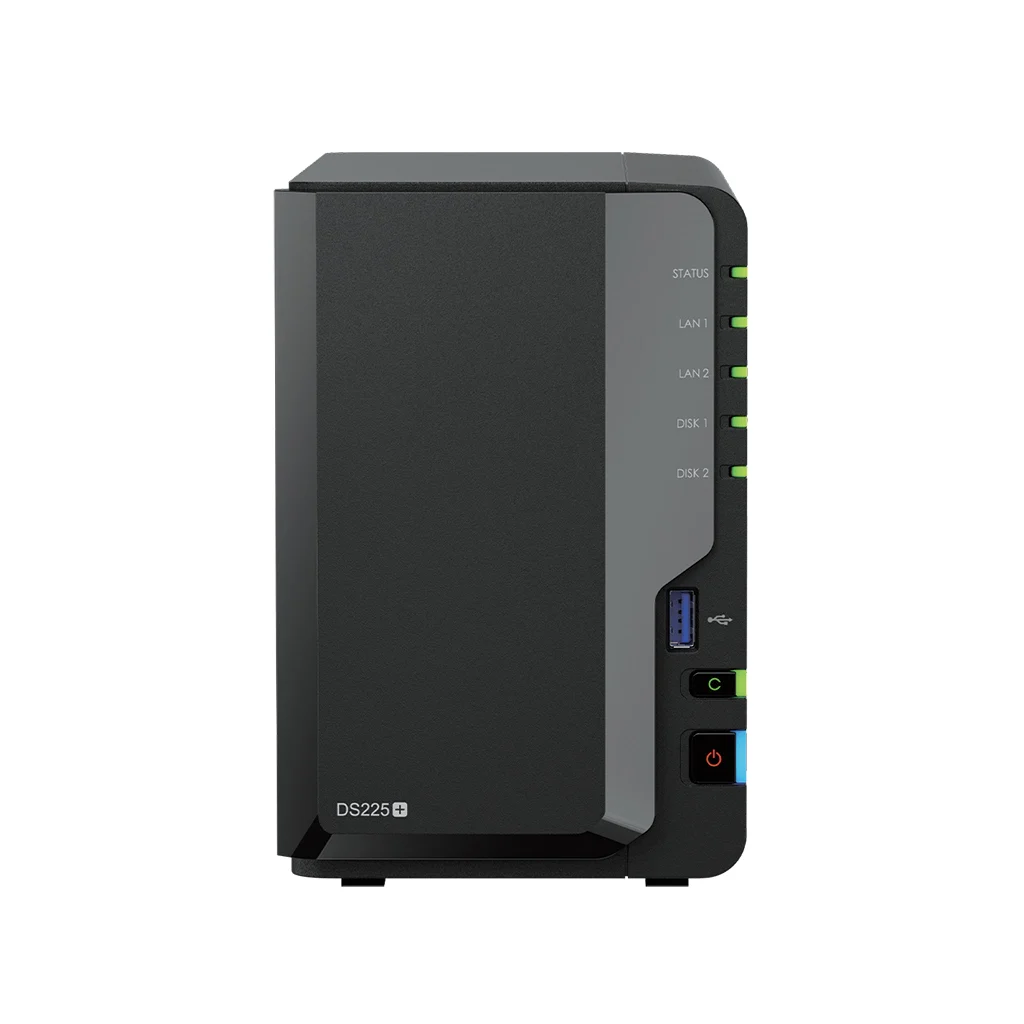 Image credit: Synology.
Checked price: $364.99, new, sold and shipped by Amazon.com.
Key specs: Processor: Intel Celeron J4125; Memory: 2GB DDR4, expandable to 6GB; Network: one 2.5GbE and one 1GbE port; Drive bays: two SATA; Hardware warranty: three years.
Choose it when supported whole-computer backups matter more than extra SSD slots. The DS225+ is on the Active Backup for Business model list. That gives it a concrete advantage over the DS223 for protecting supported PCs, alongside the same broader Photos/Drive workflow. It is our top pick for that combined household job, not a benchmark winner.
Use the DS225+ Download Center for DSM and backup agents. Active Backup for Business needs a supported client OS and a Btrfs backup destination; check the current agent requirements and recovery-media instructions before relying on whole-computer restoration. Synology publishes the full compatibility conditions. Make a trial restore of something expendable; the presence of a completed backup task is not proof you can recover your particular machine.
There are two easy-to-miss purchasing conditions. First, DSM 7.3 and later drive policy allows more third-party HDD/2.5-inch SATA SSD flexibility on 2025 Plus models, but Synology still recommends its compatibility list. Do not follow an old blanket claim that all non-Synology drives are blocked, or assume every unlisted drive is certified. Second, the model specifications require at least 4GB RAM for Photos object recognition, so the included 2GB is not enough for that feature.
Skip it if your plan requires several internal NVMe drives. The DS225+ has no M.2 slots. ASUSTOR is the more relevant comparison for that plan, and its extra slots do not require giving up either SATA bay.
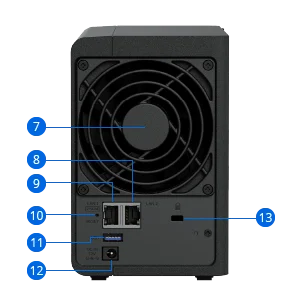 Image credit: Synology hardware overview. Callout 8 is 1GbE; callout 9 is 2.5GbE. Use the faster port when connecting to a compatible switch.
3. ASUSTOR AS5402T
Buy ASUSTOR AS5402T on Amazon ->
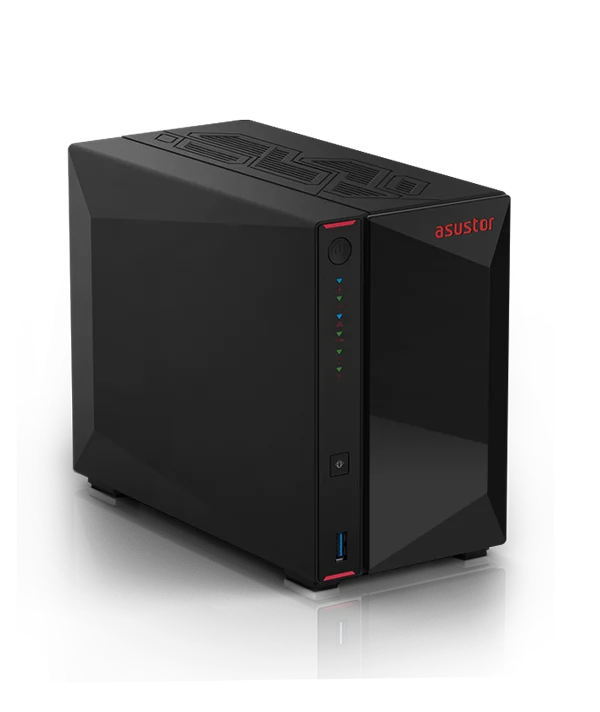 Image credit: ASUSTOR.
Checked price: $406.99, new, sold by A+NAS and shipped by Amazon.
Key specs: Processor: Intel Celeron N5105; Memory: 4GB DDR4, expandable to 16GB; Network: two 2.5GbE ports; Storage: two SATA bays plus four M.2 2280 NVMe slots; Hardware warranty: three years.
Choose it for a separate SSD storage pool alongside mirrored hard drives. Four M.2 slots are the AS5402T’s meaningful distinction in this shortlist. The manufacturer hardware specification identifies PCIe 3.0 x1 connections, so buying a premium x4 desktop SSD does not make each slot an x4 link. Check ASUSTOR’s drive compatibility list and the model’s storage features before selecting cache versus a separate pool.
The AS5402T downloads page provides ADM and its clients. Control Center discovers the NAS on the local network; Backup Plan is the Windows backup utility, while EZ Sync supports Windows and macOS, with the Mac client requiring macOS 12 or later and ADM 4.3. Do not mistake a sync client for a full system-image recovery solution. ASUSTOR also offers Photo Gallery 3/AiFoto 3, but phone upload behavior should be checked with your actual mobile OS before replacing an existing photo-backup routine.
Skip it if you will use only two hard drives and ordinary overnight backups. Unused SSD slots are not a reason to spend more. Buy from a seller whose warranty eligibility you can establish, and budget separately for SSDs or extra memory rather than treating the expansion specifications as included equipment.
4. TerraMaster F2-425 Plus N150
Buy TerraMaster F2-425 Plus N150 on Amazon ->
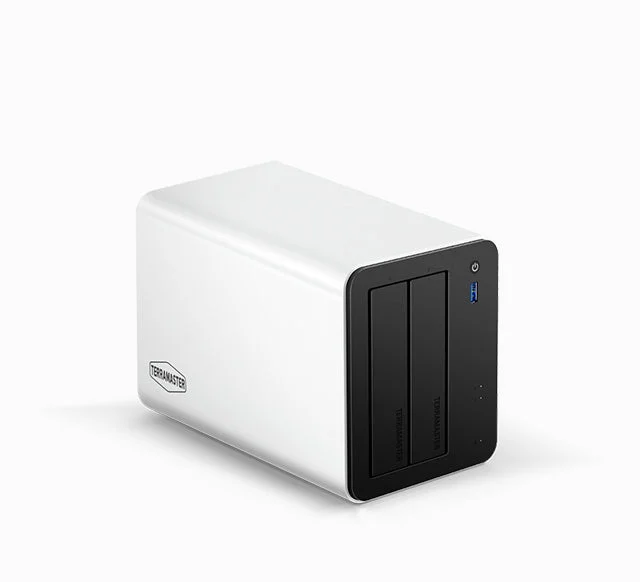 Image credit: TerraMaster.
Checked price: $424.99, new, sold by TERRAMASTER and shipped by Amazon.
Key specs: Processor: Intel N150, up to 3.6GHz; Memory: 8GB DDR5, expandable to 32GB; Network: two 5GbE ports; Storage: two SATA bays plus three M.2 2280 NVMe slots; Hardware warranty: two years.
Choose it when you already have a 5GbE path and want more included memory. The N150 model specification sheet confirms the network and memory configuration. This is the F2-425 Plus N150, not the cheaper F2-425 or a differently configured N95 listing. Those similar names can conceal a different purchase.
The TNAS PC instructions explain discovery and access. TNAS PC is available for Windows and macOS; use it on the same network for initial discovery, then configure TOS through its browser interface and install the backup apps you need. The model sheet lists Terra Photos, TerraSync, Duple Backup and Time Machine support. Use the official installation guide and model-matched stable firmware; do not assume a guide for another generation describes your setup.
Skip it if your only connection is a 1GbE router and you do not plan to upgrade it. That bottleneck prevents a 5GbE port from delivering its headline rate to your computer. Its expansion makes more sense for a household that will actually use additional storage or applications; it is not evidence of better backup reliability than the other boxes.
5. QNAP TS-264-8G-US
Buy QNAP TS-264-8G-US on Amazon ->
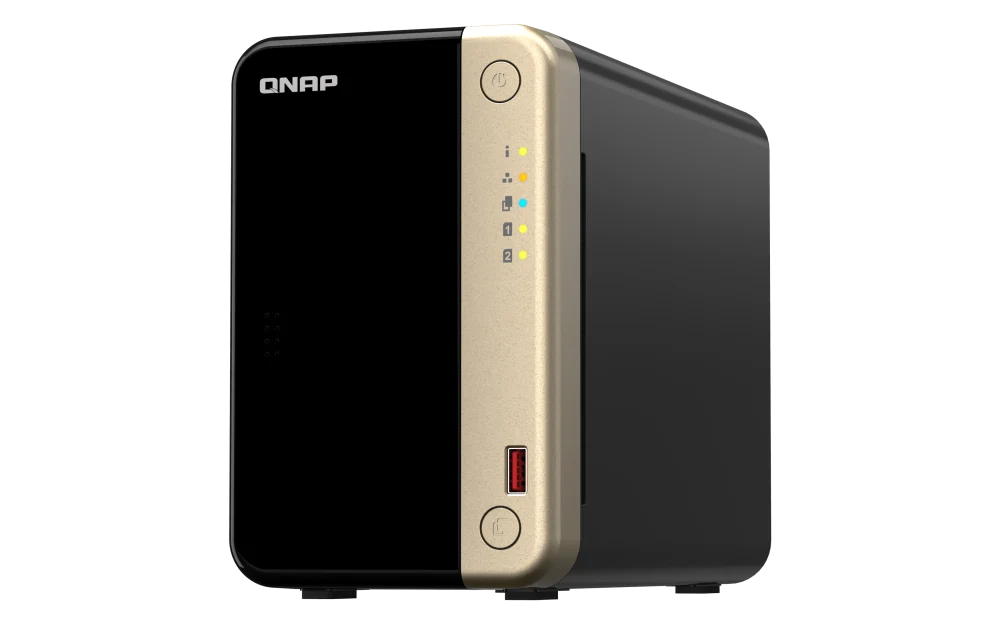 Image credit: QNAP.
Checked price: $469.00, new, sold and shipped by Adorama. The checked US delivery location also showed $19.67 shipping; confirm your own total.
Key specs: Processor: Intel Celeron quad-core; Memory: 8GB DDR4; Network: two 2.5GbE ports; Storage: two SATA bays plus two M.2 PCIe 3.0 x1 slots; Expansion: one PCIe 3.0 x2 slot.
Choose it if a supported PCIe network or storage card is part of your plan. The TS-264 hardware table distinguishes that slot from its two M.2 sockets. A compatible card is an additional purchase, not built-in 10GbE. The product overview provides expansion and drive-compatibility routes.
Use Qfinder Pro for discovery. Qfinder Pro supports currently Microsoft-supported Windows versions, macOS and Ubuntu; install NAS applications through QTS and configure backup jobs separately from device discovery. Hybrid Backup Sync handles NAS backup destinations; Qfile Pro’s iOS upload instructions explain phone uploads. These are different jobs, not one checkbox that protects everything.
Skip it if you do not need expansion beyond ordinary two-drive backups. Also confirm the shipped revision before ordering memory: QNAP’s current table lists N5095 and upgradeable SO-DIMM memory for 8G units from January 2024, while the checked Amazon listing describes N5105/N5095. We cannot establish the seller’s production batch from the listing, so do not purchase a RAM upgrade based solely on the current website table. The supplied 8GB is the configuration compared here.
Will a Faster NAS Help Your Existing Network?
Laptop over ordinary Wi-Fi, router with 1GbE ports: start by checking the slowest link. Spending for 5GbE alone does not change the router, laptop adapter or wireless connection. The DS223 remains a sensible basic option if its backup apps meet your needs.
PC and switch already have 2.5GbE: the DS225+, ASUSTOR and QNAP can use that connection without an extra NAS network card. Our 2.5GbE switch comparison covers the separate network purchase; you may not need one if your router already has suitable ports.
You intentionally built a 5GbE network or need expansion: compare TerraMaster’s included ports with QNAP’s optional-card route. Drives, workload and client hardware still determine actual transfer speed. None of the figures in this guide is a PicksLab benchmark.
For any brand, start with local access, install supported security updates, use separate user accounts and keep the admin interface off the public internet. A UPS with a compatible shutdown connection can give the NAS time to stop cleanly during an outage; check the NAS vendor’s exact-model support before buying. If you want a more flexible machine for game servers or other workloads, compare a DIY home server instead of buying a NAS just because it can run some applications.
How We Selected These NAS Devices
We compared US diskless two-bay offers, manufacturer specifications, model-specific software support and drive/expansion conditions on September 19. All five had enabled new-item purchase controls when checked. The useful distinction is what each can back up and what extra hardware the buyer would need, not a claimed universal speed winner.
This is an expert-researched comparison, not a hands-on test. We have not measured restore success, transfer speed, noise, failure rates or support quality. The two Synology entries serve different backup requirements; UGREEN’s older N100 DXP2800 was considered but not included because this run’s exact-model search did not verify the intended listing. That is not a judgment that the product is unavailable or inferior.
Who Should Buy What
- Photos and selected folders at the lowest checked enclosure price: Synology DS223.
- Supported whole-computer backups as well as photos: Synology DS225+.
- A deliberate HDD-plus-SSD storage plan: ASUSTOR AS5402T.
- An existing 5GbE setup: TerraMaster F2-425 Plus N150.
- A specific supported expansion-card requirement: QNAP TS-264-8G-US.
FAQ
Do these NAS devices include hard drives?
No. The five linked offers are diskless enclosures. Buy compatible drives separately and check the exact offer rather than assuming a product photo or capacity field describes included storage. A mirrored setup needs two drives, and a separate backup destination remains an additional consideration.
Is RAID 1 the same as having a backup?
No. It protects availability against one drive failing, but both drives remain in the same enclosure and share many risks. Keep a separate recoverable copy, preferably including an offsite destination, and test restoration. Two mirrored drives are not two independent backup locations.
Can I back up an entire Windows PC to the DS223?
The DS223 can store files and serve as a destination for compatible third-party tools, but it is not on Synology’s Active Backup for Business supported-model list. Choose the DS225+ if that particular whole-computer backup application is why you are buying, and verify its current OS, filesystem and recovery requirements.
Do I need a 2.5GbE or 5GbE switch immediately?
Not necessarily. These models can participate in an ordinary compatible Ethernet network, but faster transfers require a suitable path between the NAS and client. Begin with the equipment you have; upgrade when the actual bottleneck and workload justify it, not simply because the enclosure advertises two fast ports.
Bottom Line
Before replacing your router for faster backups, check our Wi-Fi 7 router comparison for NAS and multi-gig homes. It explains when the existing router is enough and why a single 10GbE socket does not create two fast endpoints.
For the combined photo-and-supported-PC-backup job, start with the Synology DS225+. Choose the less expensive DS223 when selected folders and photos are enough. ASUSTOR, TerraMaster and QNAP become stronger fits when you can name the SSD, networking or expansion capability you will actually use.
The most important purchase is not the fastest-looking box. It is a complete setup with enough usable storage, suitable backup software and another recoverable copy of your files.
This article contains affiliate links. PicksLab may earn a small commission at no extra cost to you. Our recommendations are based on the review method described in this article.
Already have a computer that can stay on and share files? Our QNAP, TerraMaster and OWC direct-attached storage comparison considers adding four external bays instead of another NAS, including the host software and backup responsibilities that remain.