Affiliate disclosure: PicksLab earns commissions on qualifying Amazon purchases via the pickslab-20 tag, at no extra cost to you.
TL;DR - Our top pick: GMKtec K8 Plus combines dual 2.5GbE, two NVMe slots, and a 96GB memory ceiling in a compact box that leaves room for a serious Proxmox lab.
| Pick | Best For | Configuration |
|---|---|---|
| GMKtec K8 Plus | Best overall home lab | 32GB RAM / 512GB SSD |
| MINISFORUM M1 Pro-125H | High RAM capacity and flexible build | Barebone |
| MINISFORUM UM890 Pro | High-performance AMD host | 32GB RAM / 1TB SSD |
| MINISFORUM NAB9 Plus | Intel host with dual networking | 32GB RAM / 1TB SSD |
| Beelink SER8 | Quiet compact compute node | 32GB RAM / 1TB SSD |
How We Chose These Mini PCs
This is an expert-researched guide, not a hands-on test. We compared current manufacturer specifications for CPU, memory, storage expansion, Ethernet, USB4, and OCuLink, then manually checked each US Amazon listing for active Add to Cart and Buy Now controls on August 7, 2026. Every finalist also showed an Amazon customer rating of at least 4.0 stars when checked.
The low-power N100 listings in our initial research were unavailable, so we did not publish dead links just to preserve a lower wattage target. These five machines are better treated as compact virtualization hosts than ultra-low-power appliances. If energy use is the deciding factor, verify measured idle power for the exact RAM, storage, BIOS, and operating-system configuration before buying.
Feature Comparison
| Product | Processor | Memory Ceiling | Internal NVMe | Ethernet |
|---|---|---|---|---|
| GMKtec K8 Plus | Ryzen 7 8845HS | 96GB | 2 slots | Dual 2.5GbE |
| MINISFORUM M1 Pro-125H | Core Ultra 5 125H | 128GB | 2 slots | One 2.5GbE |
| MINISFORUM UM890 Pro | Ryzen 9 8945HS | 96GB | 2 slots | Dual 2.5GbE |
| MINISFORUM NAB9 Plus | Core i9-12900HK | 64GB | 2 slots | Dual 2.5GbE |
| Beelink SER8 | Ryzen 7 8745HS | 64GB | 2 slots | One 2.5GbE |
1. GMKtec K8 Plus
Buy the GMKtec K8 Plus on Amazon ->
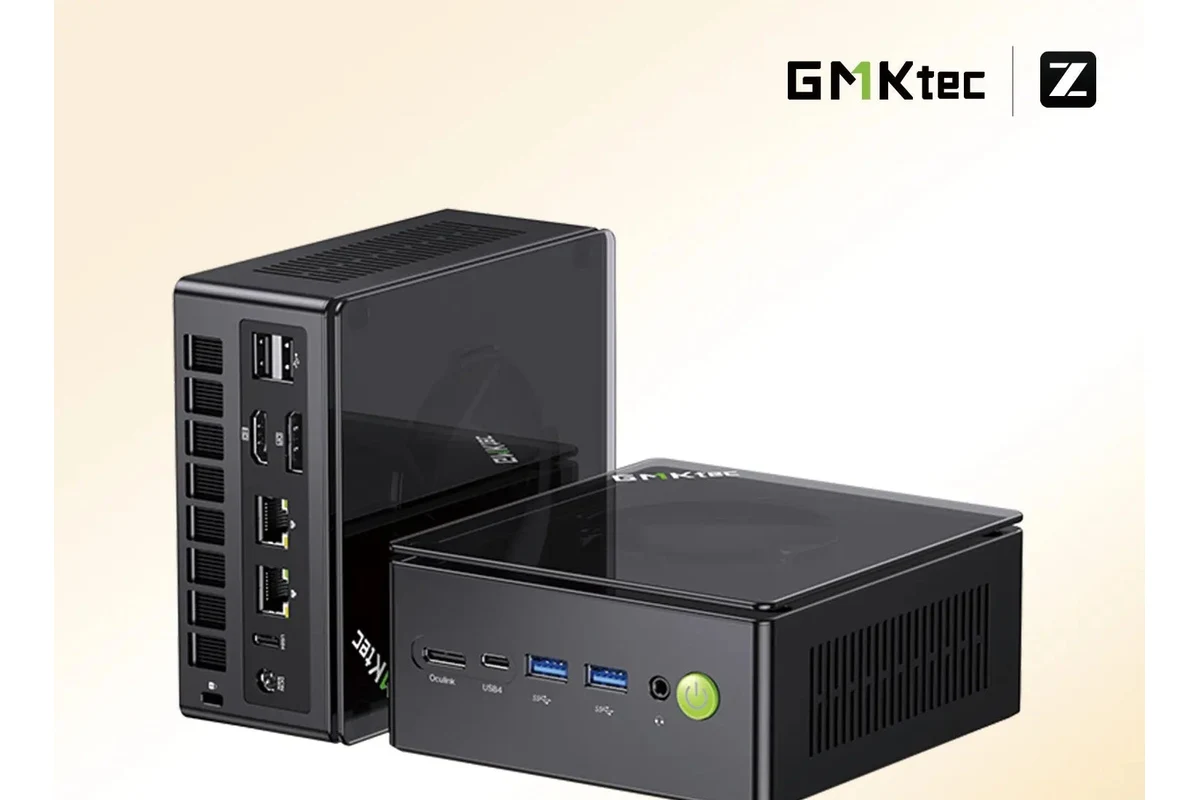
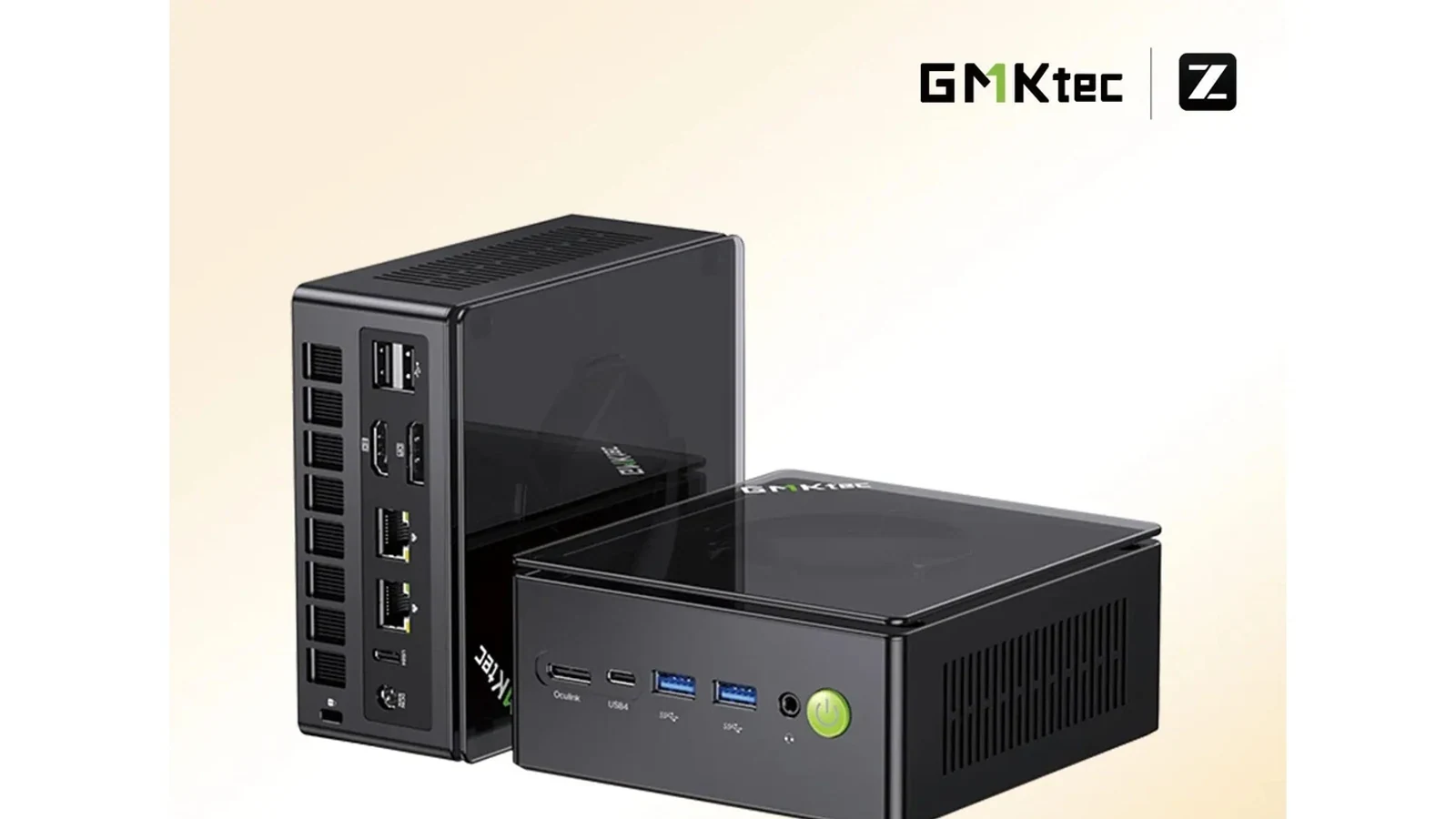
Manufacturer image: GMKtec.
The K8 Plus has the most balanced home-lab layout in this group. GMKtec specifies a Ryzen 7 8845HS, two SODIMM slots supporting up to 96GB, two M.2 2280 slots, and dual Intel I226V 2.5GbE ports. That combination supports several virtual machines without immediately pushing storage or networking outside the chassis.
Its dual USB4 ports and OCuLink connection also leave options for fast external storage or a PCIe device. Those features are useful for experimentation, but they should not distract from the basics: dual network ports and two internal NVMe slots are the reasons this is the best general Proxmox pick. See the GMKtec specifications for the exact port and expansion layout.
Skip it if your priority is the lowest possible idle draw or a large internal SATA array. It is a performance-oriented mini PC, and two NVMe drives do not turn it into a conventional multi-bay TrueNAS box. For ZFS storage, a purpose-built system from our home server build guide gives you a clearer path to drive cooling, replacement, and HBA expansion.
2. MINISFORUM M1 Pro-125H
Buy the MINISFORUM M1 Pro-125H on Amazon ->
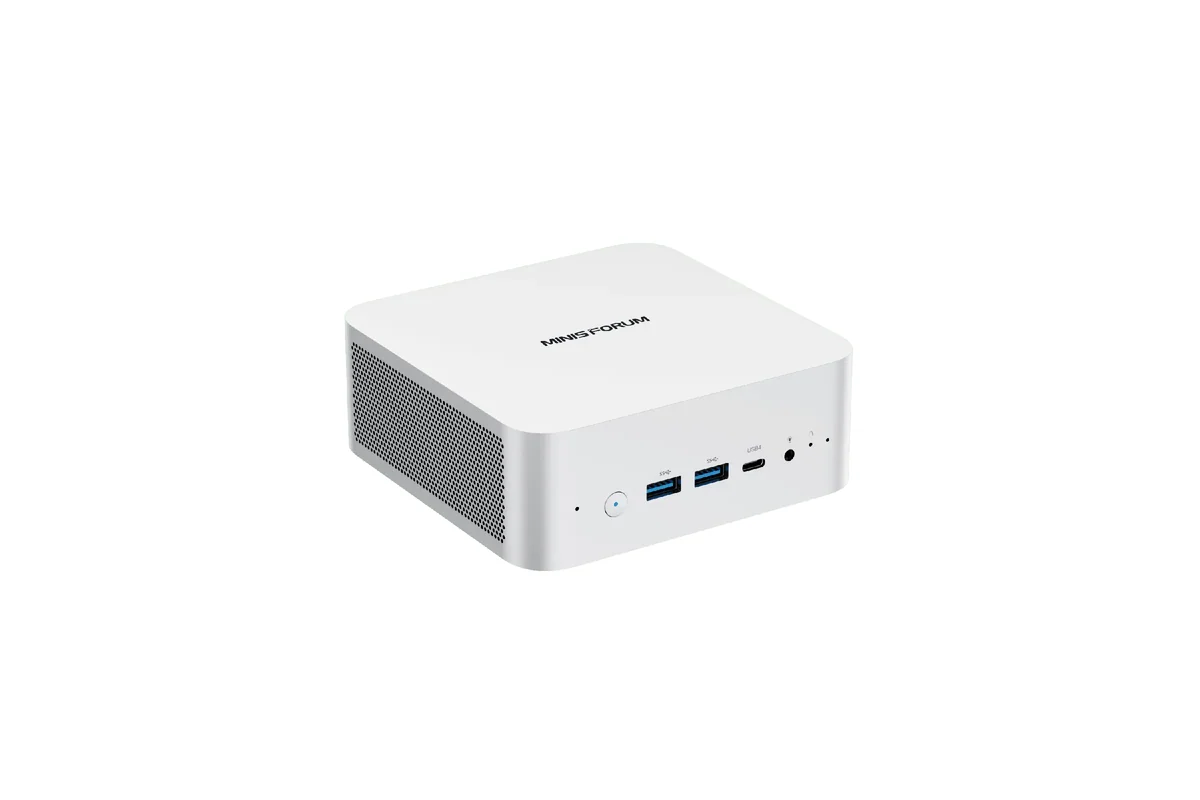
Manufacturer image: MINISFORUM.
The M1 Pro-125H is the configurable choice for a memory-heavy lab. MINISFORUM lists support for up to 128GB of DDR5 and two PCIe 4.0 M.2 slots, which gives it the highest published memory ceiling here. The Core Ultra 5 125H provides a mix of performance and efficiency cores that suits many simultaneous services and development workloads.
This Amazon listing is barebone, so RAM, storage, and an operating system are separate purchases. That is useful when you already know the memory and SSD models you want, but it makes the total build more involved than a ready-to-run configuration. The official M1 Pro-125H page also lists Wi-Fi 7, USB4, and OCuLink.
The main compromise is networking: it has one 2.5GbE port rather than the dual ports on our top pick. A single port is enough for a straightforward server VLAN, but firewall, router, and physically separated storage-network projects may need a supported adapter or a different host. Our 2.5GbE switch guide can help plan the rest of that network.
3. MINISFORUM UM890 Pro
Buy the MINISFORUM UM890 Pro on Amazon ->
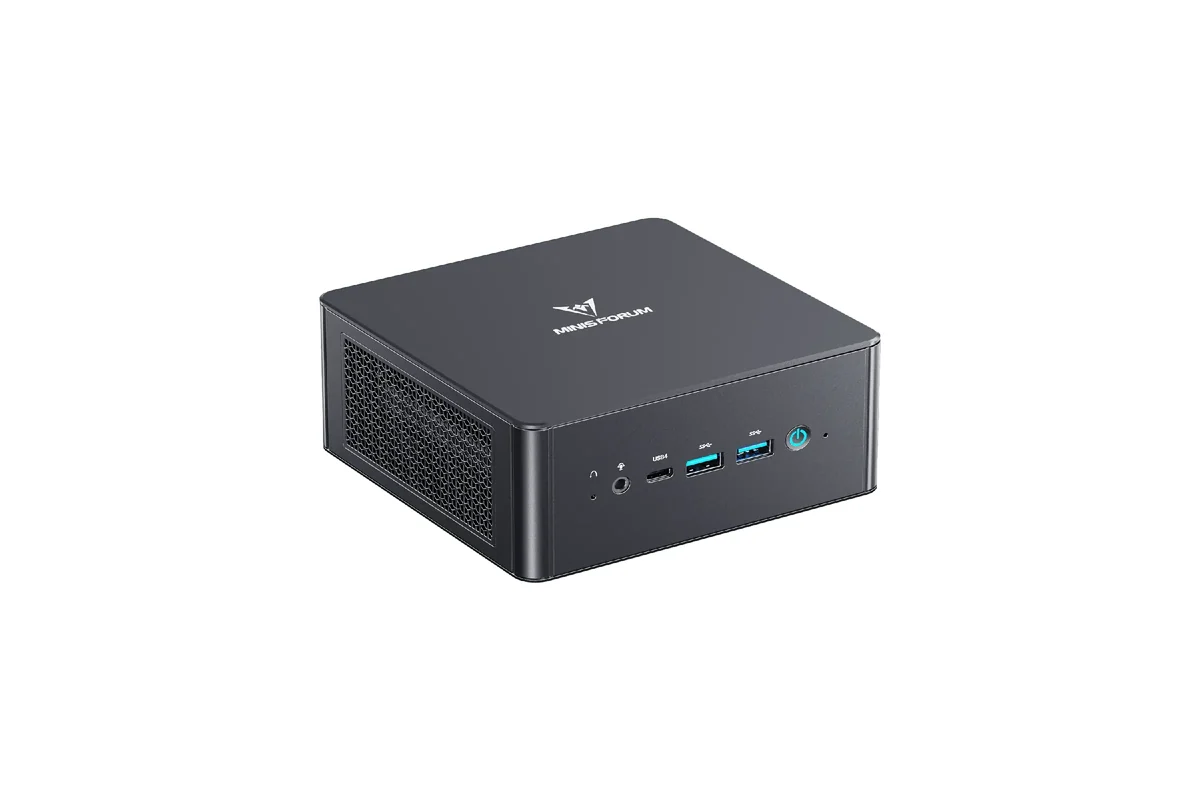
Manufacturer image: MINISFORUM.
The UM890 Pro is the strongest AMD compute option in this list. Its Ryzen 9 8945HS has eight cores and sixteen threads, while the chassis provides two M.2 slots and dual 2.5GbE. The reviewed listing includes 32GB of memory and a 1TB SSD, so it can start hosting services without a separate parts order.
MINISFORUM publishes a 96GB memory ceiling, two USB4 ports, and OCuLink on the UM890 Pro specifications. This is a good fit for build agents, game servers, multiple development VMs, and self-hosted applications that benefit from CPU headroom. For a more focused game-hosting plan, compare our AI-managed game server home lab.
That performance comes with a higher power envelope than an N100-class node. MINISFORUM documents balanced and performance power profiles well above appliance-class territory. Skip it for a DNS server, Home Assistant box, or a couple of lightweight containers where most of the processor would sit unused.
4. MINISFORUM NAB9 Plus
Buy the MINISFORUM NAB9 Plus on Amazon ->
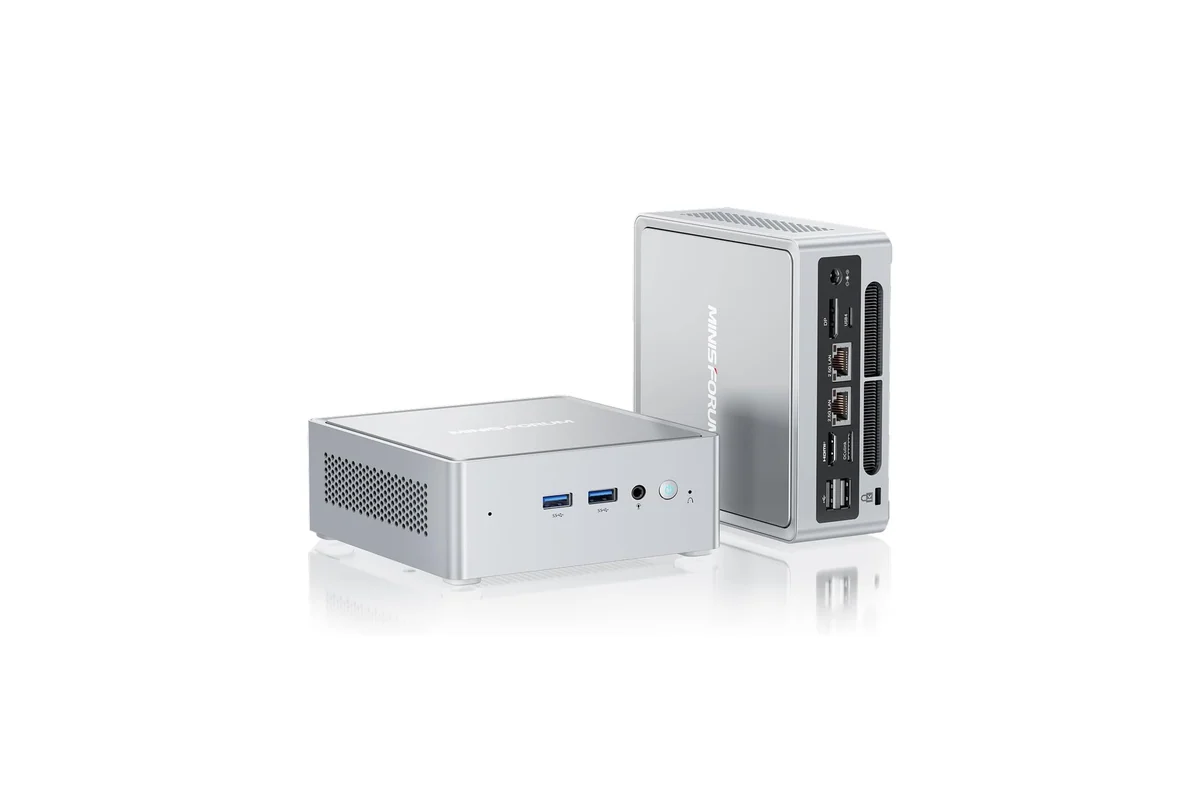
Manufacturer image: MINISFORUM.
The NAB9 Plus pairs an Intel Core i9-12900HK with two 2.5GbE ports, two internal M.2 slots, USB4, and OCuLink. Its fourteen-core hybrid layout gives a scheduler plenty of resources for mixed services, and the dual network ports are useful for separating management, storage, or routed traffic.
The active Amazon configuration includes 32GB of RAM and a 1TB SSD. MINISFORUM’s published platform information lists a 64GB memory ceiling, which is lower than the K8 Plus and M1 Pro but still enough for a substantial container stack and several moderate VMs. The Intel platform may also be attractive when your media workflow depends on Quick Sync, though codec support should be confirmed for the exact application and guest setup.
Choose another model if maximum memory density matters more than Intel media support. Also avoid treating OCuLink or USB storage as a casual substitute for a properly cooled internal drive backplane when data durability is the priority.
5. Beelink SER8
Buy the Beelink SER8 on Amazon ->
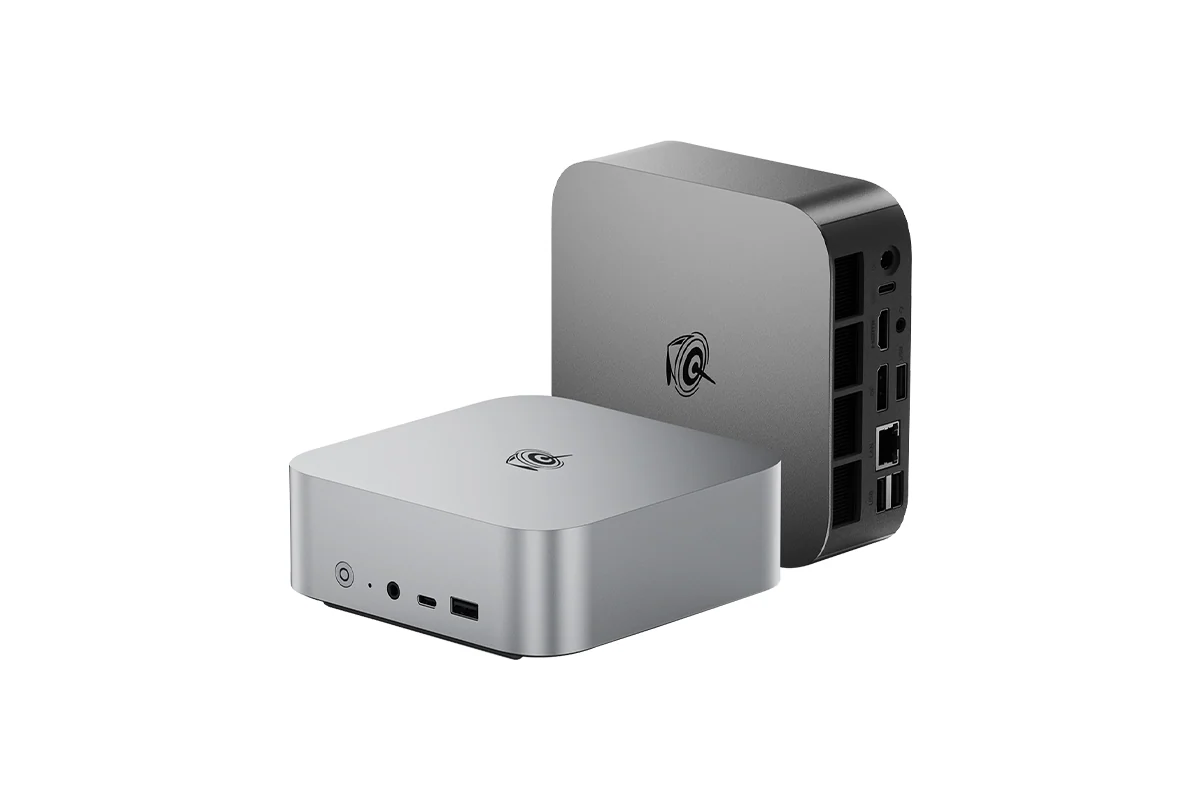
Manufacturer image: Beelink.
The SER8 is a clean compact compute node for buyers who do not need two physical network ports. This listing combines a Ryzen 7 8745HS, 32GB of DDR5, a 1TB PCIe 4.0 SSD, and 2.5GbE. Beelink also provides two internal M.2 2280 slots, so the storage layout can be expanded without an immediate external enclosure.
Its fit is straightforward: development services, a small VM cluster node, media automation, or a compact server that lives near a desk. The Beelink SER8 specifications list USB4 and triple-display support, which can also make the box useful as a workstation before it is reassigned to server duty.
The single 2.5GbE port is the meaningful tradeoff. VLANs can still separate traffic logically, but buyers building a router, a physically isolated storage path, or a lab that needs redundant links should prefer one of the dual-port systems above.
Who Should Buy What
- For the best overall Proxmox layout: choose the GMKtec K8 Plus for dual networking, dual NVMe, and a 96GB memory ceiling.
- For the highest memory ceiling: configure the MINISFORUM M1 Pro-125H with your preferred RAM and SSDs.
- For demanding AMD compute: the MINISFORUM UM890 Pro offers the most CPU headroom here.
- For Intel media workloads with dual LAN: pick the MINISFORUM NAB9 Plus.
- For a simple compact compute node: the Beelink SER8 is the uncomplicated single-NIC option.
FAQ
Is a mini PC a good Proxmox server?
Yes, when its memory capacity, storage slots, and network interfaces match the workload. Mini PCs are especially useful for compute-heavy services and clusters, but their limited internal drive space makes them less suitable for large conventional NAS arrays.
Should I use TrueNAS on a mini PC?
It can work for a small NVMe-based system, but check how drives connect and how failures will be serviced. TrueNAS benefits from direct, stable access to storage devices; loosely attached USB disks are a weaker foundation than internal SATA, SAS, or NVMe devices with predictable cooling and power.
How much RAM does a home server need?
Start from the services rather than a generic target. Lightweight containers may fit comfortably in 16GB, while several VMs, databases, game servers, and ZFS caching can justify 32GB, 64GB, or more. Leave capacity for the host and for workload growth.
Do I need two Ethernet ports?
Not for a basic home server. Dual ports become useful for router or firewall projects, dedicated storage traffic, physical network separation, or redundancy. A managed switch and VLANs can handle many segmentation needs through one fast port.
Are these mini PCs low-power servers?
They are compact and can be efficient for their performance, but they are not the same class as a low-wattage N100 appliance. Actual idle and load consumption depends on firmware, power mode, memory, storage, connected devices, and operating-system configuration.
Bottom Line
The GMKtec K8 Plus is the most complete home-server platform in this group because its dual 2.5GbE ports, two NVMe slots, and 96GB memory ceiling address the constraints that usually appear first in a growing lab. Choose the M1 Pro for maximum RAM flexibility or the UM890 Pro when CPU performance matters more than appliance-level power use.
This article contains affiliate links. PicksLab may earn a small commission at no extra cost to you. Our recommendations are based on the expert-researched review method described in this article.