Affiliate disclosure: PicksLab earns commissions on qualifying Amazon purchases via the pickslab-20 tag, at no extra cost to you.
TL;DR - Our top pick: TP-Link TL-SG108S-M2 gives a home network eight full-speed 2.5GbE ports in a simple fanless switch without paying for controls most households will never use.
The best 2.5GbE switch should match the number of wired devices you actually have and the amount of network control you need. An unmanaged switch is enough for a NAS, desktop, access point, and gaming PC. VLANs and traffic controls make a managed model worth the extra setup for a home lab.
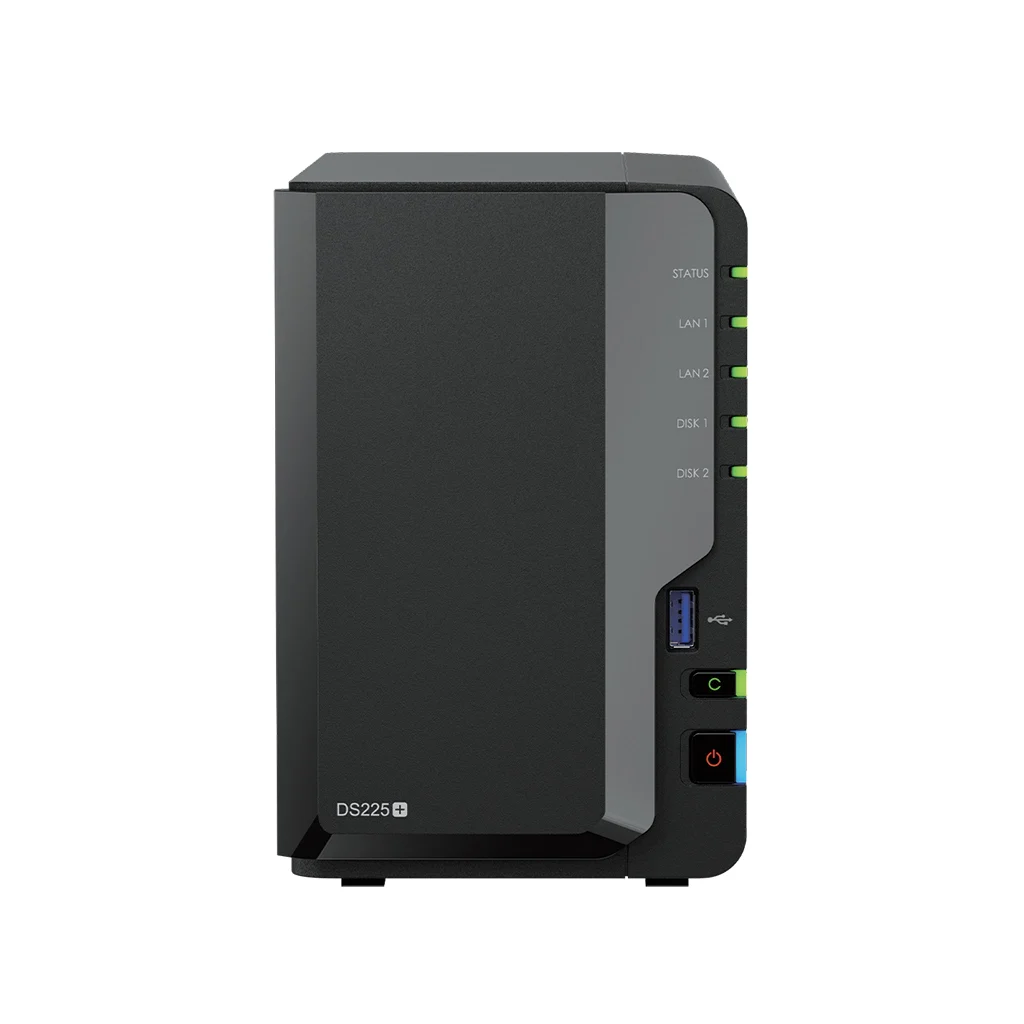
Choosing the storage device too? Our two-bay NAS backup comparison distinguishes 1GbE, 2.5GbE and 5GbE models and explains when your existing network is enough. A faster switch alone does not upgrade the NAS or your computer’s Ethernet port.
Replacing the router as well? Our Wi-Fi 7 router port-budget comparison counts the multi-gig LAN connections left after WAN is assigned and separates 6 GHz models from dual-band alternatives.
| Pick | Best For | Ports / Control |
|---|---|---|
| TP-Link TL-SG108S-M2 | Most home networks | 8 x 2.5GbE, unmanaged |
| NETGEAR MS305E | Compact managed networks | 5 x 2.5GbE, Easy Smart |
| NETGEAR MS308E | Larger home labs | 8 x 2.5GbE, Easy Smart |
| NETGEAR MS305 | Small plug-and-play setups | 5 x 2.5GbE, unmanaged |
| TP-Link TL-SG108-M2 | Alternate eight-port TP-Link build | 8 x 2.5GbE, unmanaged |
Feature Comparison
| Product | 2.5GbE Ports | Management | Installation | Main Tradeoff |
|---|---|---|---|---|
| TP-Link TL-SG108S-M2 | 8 | None | Desktop or wall | No VLAN controls |
| NETGEAR MS305E | 5 | Easy Smart | Desktop or wall | Only five ports |
| NETGEAR MS308E | 8 | Easy Smart | Desktop or wall | More setup than unmanaged models |
| NETGEAR MS305 | 5 | None | Desktop or wall | Limited room for expansion |
| TP-Link TL-SG108-M2 | 8 | None | Desktop or wall | Older SKU can cost more |
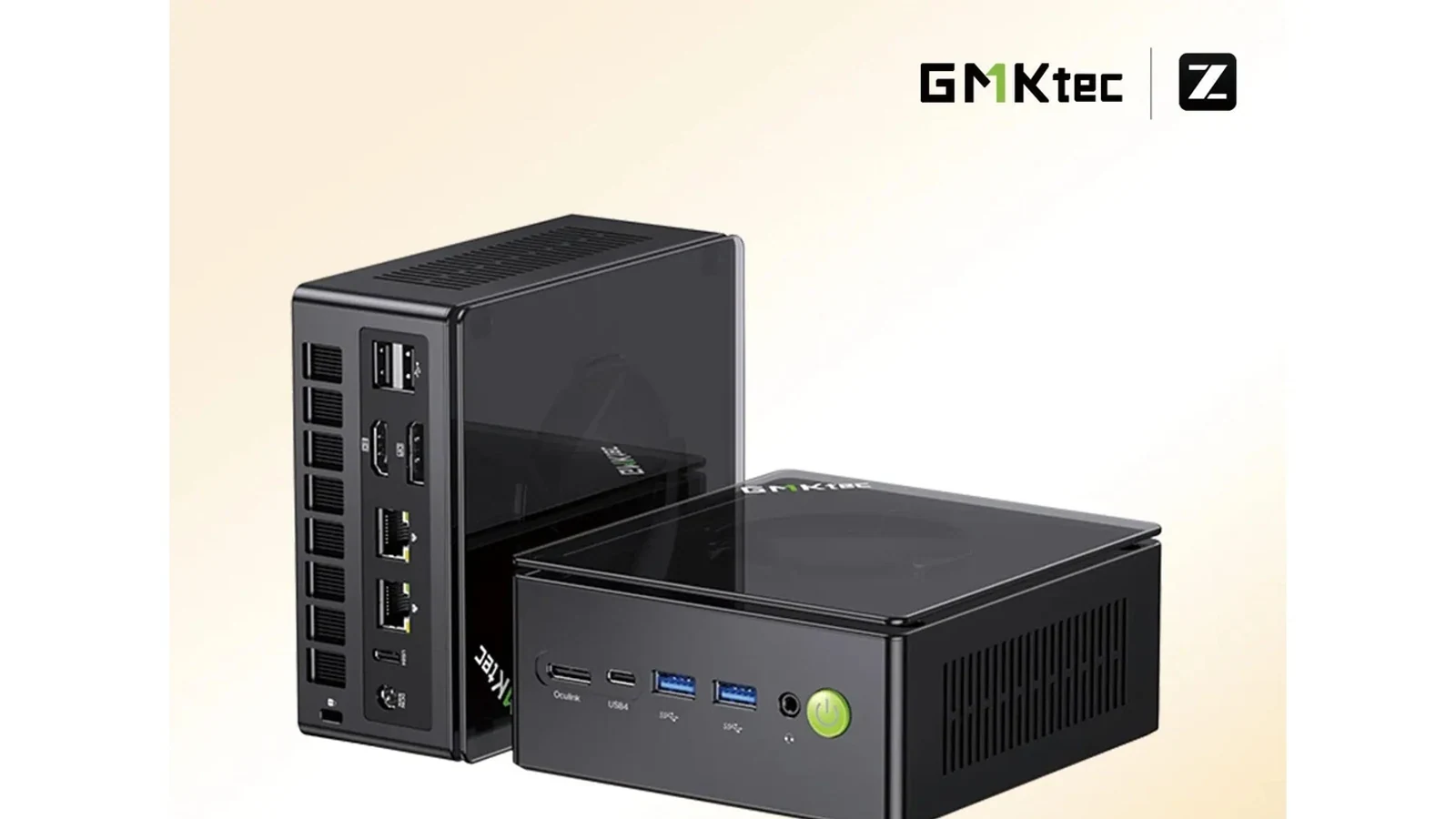
Before buying, count the router uplink as one port. A five-port switch leaves four ports for clients, while an eight-port model leaves seven. If the switch is feeding a NAS from our home server build guide, one of the dual-2.5GbE systems in our mini-PC home-server comparison, a workstation, and multiple Wi-Fi access points, the extra three ports are usually worth having from day one.
1. TP-Link TL-SG108S-M2
Buy the TP-Link TL-SG108S-M2 on Amazon
The TL-SG108S-M2 is the straightforward choice for a home network that needs more than a small handful of multi-gig connections. Every one of its eight Ethernet ports negotiates at up to 2.5Gbps, so there is no special uplink port to reserve or accidentally waste on a slower device.
It is unmanaged, fanless, and designed for desktop or wall mounting. Setup amounts to connecting power and Ethernet cables. That is the right level of complexity for a fast NAS, gaming PCs, a multi-gig router, and a wired access point that do not need to be split into separate VLANs.
The limitation is control. There is no management interface for VLANs, port mirroring, or manual traffic policies. Home-lab users who need those features should move to one of the NETGEAR Easy Smart models below, but most households will get more practical value from the TP-Link’s eight-port simplicity.
2. NETGEAR MS305E
Buy the NETGEAR MS305E on Amazon
The MS305E fits a small lab that needs management without an eight-port footprint. Its five 2.5GbE ports support a router uplink plus four local devices, which is enough for a server, workstation, access point, and one spare connection.
NETGEAR’s Easy Smart layer adds the kind of controls that matter in a home lab, including basic network segmentation and traffic management, without turning the switch into a full enterprise administration project. It is a sensible bridge between a completely unmanaged box and a more complex managed switch.
Five ports can fill quickly. Anyone planning multiple servers, cameras, or wired rooms should buy the eight-port MS308E instead. The MS305E makes the most sense where shelf space is tight and the network plan is already well defined.
3. NETGEAR MS308E
Buy the NETGEAR MS308E on Amazon
The MS308E combines eight 2.5GbE ports with NETGEAR’s Easy Smart management. That makes it the strongest fit here for a growing home lab, especially when servers, trusted computers, and less-trusted devices should not all share one flat network.
Eight ports provide useful breathing room after the router uplink is counted. A typical layout can connect two servers, a desktop, a backup target, and two access points while retaining one open port. That is a better long-term fit for the kind of self-hosted setup described in our AI-managed game server home lab article.
The tradeoff is that management only pays off if it will be used. Buyers who do not plan to configure VLANs or inspect port behavior can save themselves setup time with the unmanaged TP-Link. The MS308E is for people who want visibility and control, not merely eight fast sockets.
4. NETGEAR MS305
Buy the NETGEAR MS305 on Amazon
The MS305 is a compact five-port unmanaged switch for buyers who want a recognizable networking brand and no configuration work. All five ports support 2.5GbE, and the metal enclosure can sit on a desk or mount to a wall near a router, NAS, or media cabinet.
It is best when the device count is stable. Connect the router to one port and there are four left for clients. That covers a modest setup well, but it leaves little room for a second server, an additional access point, or another wired room later.
Skip it if network segmentation is part of the plan; the similarly sized MS305E is the better route in that case. Also compare the live seller price with the eight-port TP-Link before buying, since a compact chassis is not automatically the better value.
5. TP-Link TL-SG108-M2
Buy the TP-Link TL-SG108-M2 on Amazon
The TL-SG108-M2 is TP-Link’s established eight-port unmanaged 2.5GbE model. Like the newer S-suffixed pick above, it is a fanless plug-and-play switch with a metal enclosure and desktop or wall-mount placement.
Its practical appeal is familiarity: it uses the same simple layout many buyers already know from TP-Link’s gigabit switches, but every port can negotiate at 2.5Gbps. It works well as a direct replacement when a one-gigabit switch is the only thing holding back local file transfers.
The newer TL-SG108S-M2 is our first choice because it usually makes the cleaner purchase. Treat this model as an alternate listing when its seller, delivery date, and return terms are better. Buyers who need management should choose the MS308E rather than either TP-Link model.
Who Should Buy What
- For the simplest eight-port upgrade: choose the TP-Link TL-SG108S-M2.
- For a compact managed lab: choose the NETGEAR MS305E.
- For eight managed ports and room to grow: choose the NETGEAR MS308E.
- For a small plug-and-play network: choose the NETGEAR MS305.
- For an alternate established TP-Link SKU: compare the TP-Link TL-SG108-M2.
A faster wired backbone will not repair weak wireless coverage. If devices are slow mainly in distant rooms, start with our mesh Wi-Fi systems guide before replacing a working Ethernet switch.
FAQ
Do I need Cat 6 cable for a 2.5GbE switch?
Not necessarily. Properly terminated Cat 5e commonly supports 2.5GbE over normal in-home runs, which is one reason 2.5GbE is a practical upgrade. Replace a cable only if a link refuses to negotiate at 2.5Gbps or shows errors under sustained transfers.
Is a managed 2.5GbE switch worth it at home?
A managed switch is worthwhile when you will configure VLANs, prioritize traffic, mirror a port for troubleshooting, or separate lab devices from the main household network. If every device belongs on the same network, an unmanaged switch is cheaper and easier to maintain.
Will a 2.5GbE switch make my internet faster?
Only when the internet plan, router port, client adapter, and cabling all support more than one gigabit. The bigger improvement for many homes is local: faster backups and file transfers between a multi-gig NAS and computers can benefit even when the internet connection is slower.
Should I buy five or eight ports?
Count every wired device and include the router uplink, then leave at least one spare port. Five-port switches suit compact, stable setups. Eight-port models cost more space but avoid replacing the switch when a second server, access point, or wired room is added.
Can I connect one-gigabit devices to these switches?
Yes. Multi-gig ports negotiate down for one-gigabit and slower Ethernet devices. The entire switch does not fall back to one speed; each port negotiates independently with the device connected to it.
Bottom Line
The TP-Link TL-SG108S-M2 is the best 2.5GbE switch for most home networks because it provides eight fast ports without management overhead. Choose the NETGEAR MS305E or MS308E when VLANs and traffic controls are part of the plan, and choose a five-port unmanaged model only when the device count is unlikely to grow.
The PicksLab team researches home-networking hardware and checks every recommended listing for an active purchase path. This article contains affiliate links - we earn a small commission at no extra cost to you.