Ever seen a personalized ornament or wooden sign and thought, “I could make that”? A laser engraver gives you a way to put names, drawings and patterns onto suitable blanks, and some can cut thin material into the shape you want. The catch is that a machine good at decorating a coaster isn’t necessarily the one you want for a large sign or a stack of plywood parts.
We compared five machines around those different jobs. The most useful distinction isn’t the biggest wattage on the box: it’s whether your project fits, how you position the design and what else your workspace needs. For small gifts, a camera and an enclosure can be worth more than a larger open frame. For cutting parts, usable area and optical output become harder to ignore.
Affiliate disclosure: PicksLab earns commissions on qualifying Amazon purchases via the pickslab-20 tag, at no extra cost to you.
TL;DR - Our top pick: The Creality Falcon A1C 10W with AI camera is our pick for small personalized gifts because its camera and automatic focus simplify positioning. Its 150 mm square work area is also the main reason to buy something else. The LONGER RAY5 20W offers more room and optical power, but leaves you to provide a suitable enclosure and extraction setup.
Price Comparison
Prices checked October 12, 2026, for the ordinary new US offers linked below, in ascending price order. All five had an active purchase path and free standard US delivery at the check. These are machine prices, not complete workshop budgets; offers, sellers and delivery dates can change.
| Product | Price checked | Best fit | Important difference |
|---|---|---|---|
| ATOMSTACK A5 Pro, original 5W class | $99.99 | Low-cost entry with a suitable existing workspace | Large open frame; computer stays connected |
| ORTUR Laser Master 2 S2, LU2-10A | $219.99 | Larger flat projects | 10W head; no full enclosure |
| Woxcker L2 MAX, 5.5W listing | $264.99 | Enclosed machine with more room for signs | 300 mm square area; manual focus |
| Creality Falcon A1C, 10W AI camera | $399.00 | Small gifts and awkwardly shaped blanks | Camera positioning; smallest work area |
| LONGER RAY5, 20W New Upgrade | $399.99 | Larger layouts and a stronger cutting-focused starting point | Open frame; extraction and protection add cost |
Start With the Project, Not the Wattage
A name on a wooden coaster, a cut-out ornament and a large wall sign ask different things of the machine. Engraving removes or marks the surface. Cutting has to get through the material, which makes its composition, thickness, air assist and the laser’s optical output more important. A claimed maximum cutting thickness doesn’t tell you the edge quality, number of passes or time for your material.
Measure the objects you intend to use before buying. Two 90 mm coasters need at least 180 mm side by side, before gaps and positioning margins. They won’t fit that way in the A1C’s 150 mm square area. A 300 mm square area has room for a two-by-two arrangement with spacing. That’s a layout calculation, not a promise about batch speed or yield, but it’s more useful than discovering the limitation after ordering blanks.
Also distinguish optical output from electrical consumption. The RAY5 here is a 20W optical model; a larger input-power number on an advertisement doesn’t make another laser more powerful at the material. Conversely, buying 20W doesn’t remove the need to focus accurately or test settings on an approved scrap of the same material.
If you want to make a three-dimensional bracket rather than decorate or cut flat stock, a filament 3D printer solves a different problem. A laser isn’t a replacement for every maker tool.
Feature Comparison
| Product | Optical output | Working area for this variant | Positioning and protection | Software path |
|---|---|---|---|---|
| ATOMSTACK A5 Pro | 5-5.5W | 410 x 400 mm | Manual height setting; open frame | LaserGRBL or LightBurn, USB computer connection |
| ORTUR LM2 S2 LU2-10A | 10W | 390 x 400 mm | Manual focus; open frame | LaserGRBL or LightBurn |
| Woxcker L2 MAX | Manufacturer 5W class; listing says 5.5W | 300 x 300 mm | Knob focus; enclosed, manufacturer Class 1 designation | CutLabX, LaserGRBL or LightBurn |
| Creality Falcon A1C camera | 10W blue diode | 150 x 150 mm | Camera and autofocus; enclosed, manufacturer Class 1 designation | Falcon Design Space; LightBurn also supported |
| LONGER RAY5 20W | 20W | 400 x 365 mm | Manual focus; open frame | LaserGRBL or LightBurn |
Class 1 is a manufacturer’s designation for the intact system in its intended configuration, not permission to modify an interlock or ignore smoke. An enclosure and a fume-extraction system solve different problems.
1. ATOMSTACK A5 Pro
Buy ATOMSTACK A5 Pro on Amazon ->
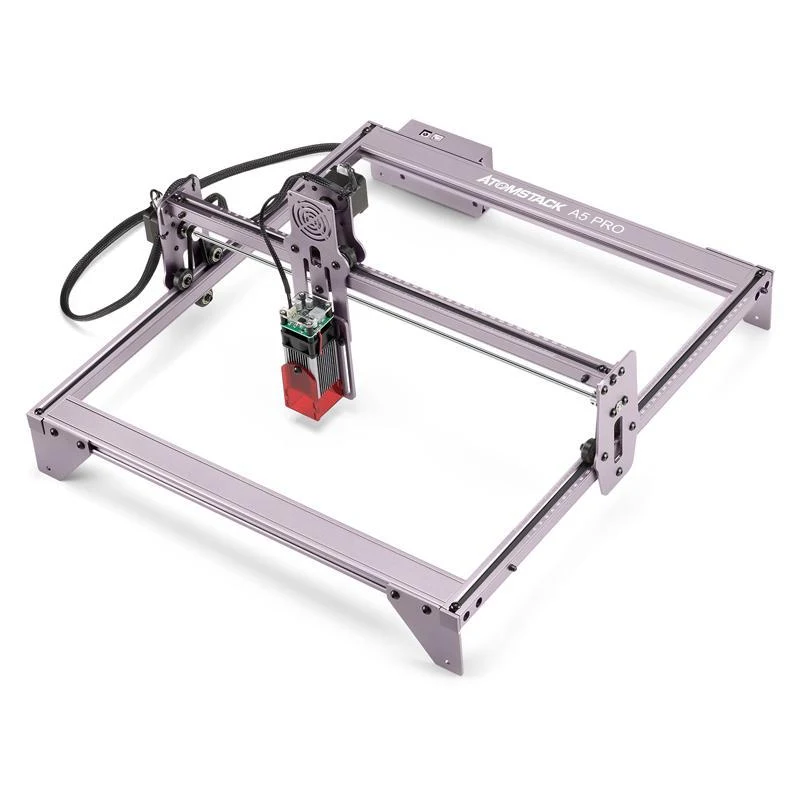 Image: ATOMSTACK, from its A5 Pro manual.
Key specs: Optical output: 5-5.5W; Working area: 410 x 400 mm; Focus: manual height adjustment; Connection: USB to a computer.
The original A5 Pro is the inexpensive entry point if you already have a suitable laser workspace. At $99.99, its large working area is attractive for names and patterns on flat blanks. Buying that area cheaply, however, isn’t the same as buying a complete, beginner-ready station.
The manual’s fixed-focus description still requires you to set the head at the correct height. The small shield around the head is not a full enclosure. Budget for the protective setup specified by the manufacturer, a suitable work surface and extraction before treating the purchase price as a bargain.
Use LaserGRBL on Windows or LightBurn on a currently supported Windows or Mac computer. The original A5 Pro needs the computer connected by USB during operation. LightBurn is a separate paid license after its trial; don’t rely on old manual pricing. This is the original A5 Pro, not the differently specified V2.
Skip it if you want camera placement or a ready-made enclosed machine. Those conveniences are the reason to consider the more expensive options, not evidence that this inexpensive frame will produce the same results with less effort.
2. ORTUR Laser Master 2 S2 LU2-10A
Buy ORTUR Laser Master 2 S2 on Amazon ->
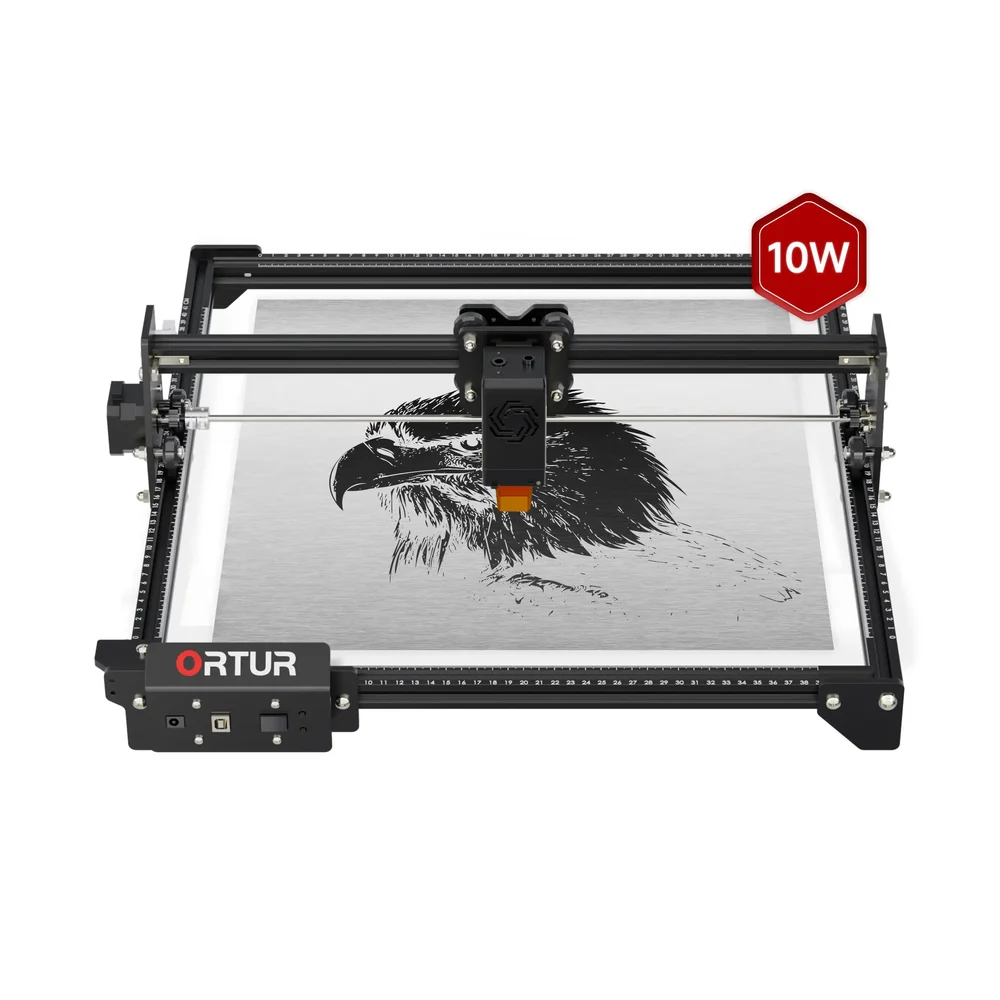 Image: ORTUR, LM2 S2 product page.
Key specs: Optical output: 10W; Working area: 390 x 400 mm; Focus: manual; Design: open frame.
The ORTUR gives a larger flat project room to grow without spending the whole budget on the machine. The $219.99 offer is the LU2-10A configuration, not a lower-power S2 with a similar-looking frame. That distinction changes both the laser and its usable working area.
ORTUR’s machine specification table lists 390 x 400 mm for this 10W configuration. The 390 x 410 mm figure associated with other heads should not be used to plan a tight-fitting job on this one. Leave room for holding the blank and framing the design, too.
LaserGRBL provides a Windows route; LightBurn supports current Windows and macOS releases. Set focus manually before framing the job. Check the selected bundle for an air-assist pump rather than assuming that an air-compatible head includes one.
Skip it if the open frame leaves you without a practical protection and ventilation plan. The lower machine price is useful only when the rest of that setup is achievable.
3. Woxcker L2 MAX
Buy Woxcker L2 MAX on Amazon ->
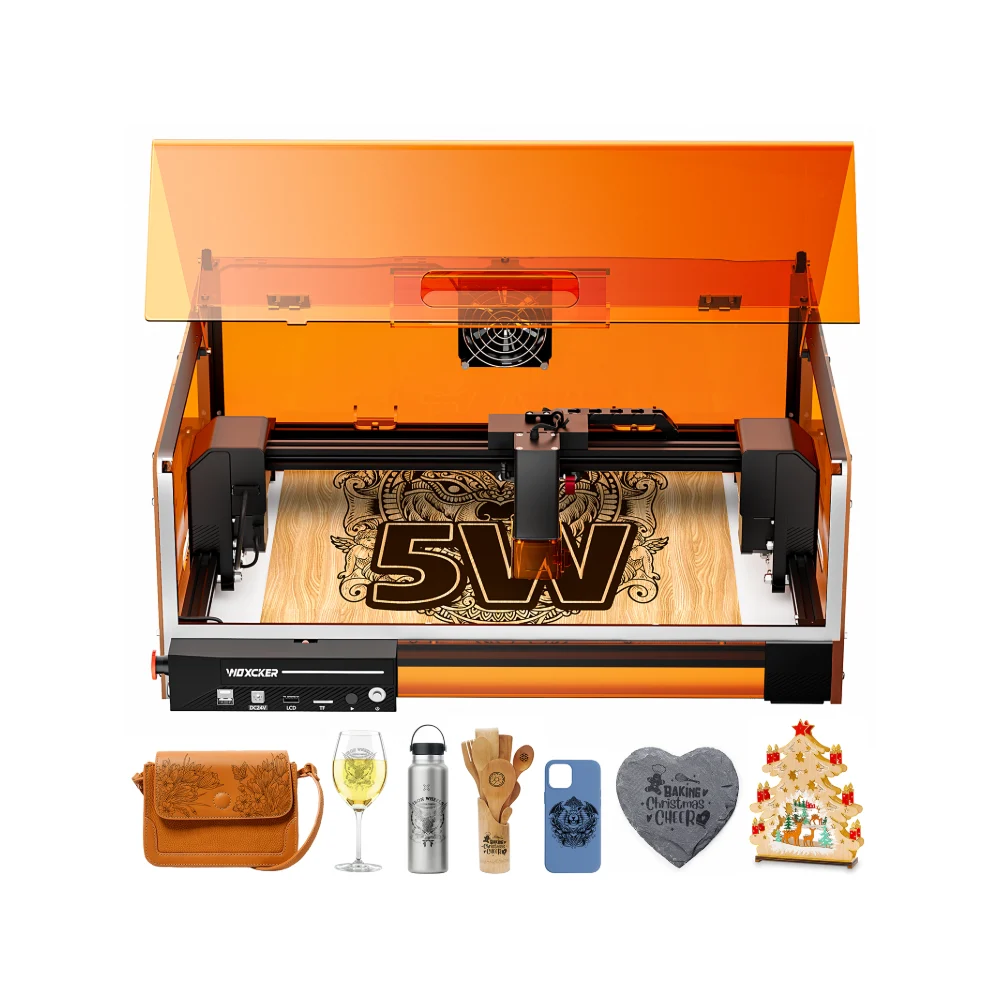 Image: Woxcker, L2 MAX 5W manufacturer page. Projects pictured are examples, not a list of included supplies.
Key specs: Working area: 300 x 300 mm; Focus: manual knob adjustment; Enclosure: manufacturer Class 1 design; Software: CutLabX, LaserGRBL or LightBurn.
The L2 MAX is the middle ground for someone who wants an enclosed machine but finds the A1C too small. At $264.99, the linked US offer gives you a 300 mm square working area, enough to make the coaster layout discussed above realistic without moving to an open frame.
There is a naming wrinkle worth catching: Amazon calls this offer 5.5W, while Woxcker groups the corresponding machine in its 5W class. It is not the 20W L2 MAX. The manufacturer’s comparison page is useful for separating those variants and their focus systems; similar enclosures don’t establish identical capability.
Get CutLabX and the appropriate setup guidance from Woxcker’s downloads. Check the Windows or macOS requirements for your chosen software. LaserGRBL is Windows-only; LightBurn is a separate license. Manual focus means adjusting the head for the material height rather than expecting a camera to do it for you.
Skip it if your main job is cutting thicker stock or if camera-assisted placement is the feature you want. Its appeal here is enclosed working space at a lower price, not a claim that its lower-output diode matches a 20W cutting setup.
4. Creality Falcon A1C 10W With AI Camera
Buy Creality Falcon A1C with AI Camera on Amazon ->
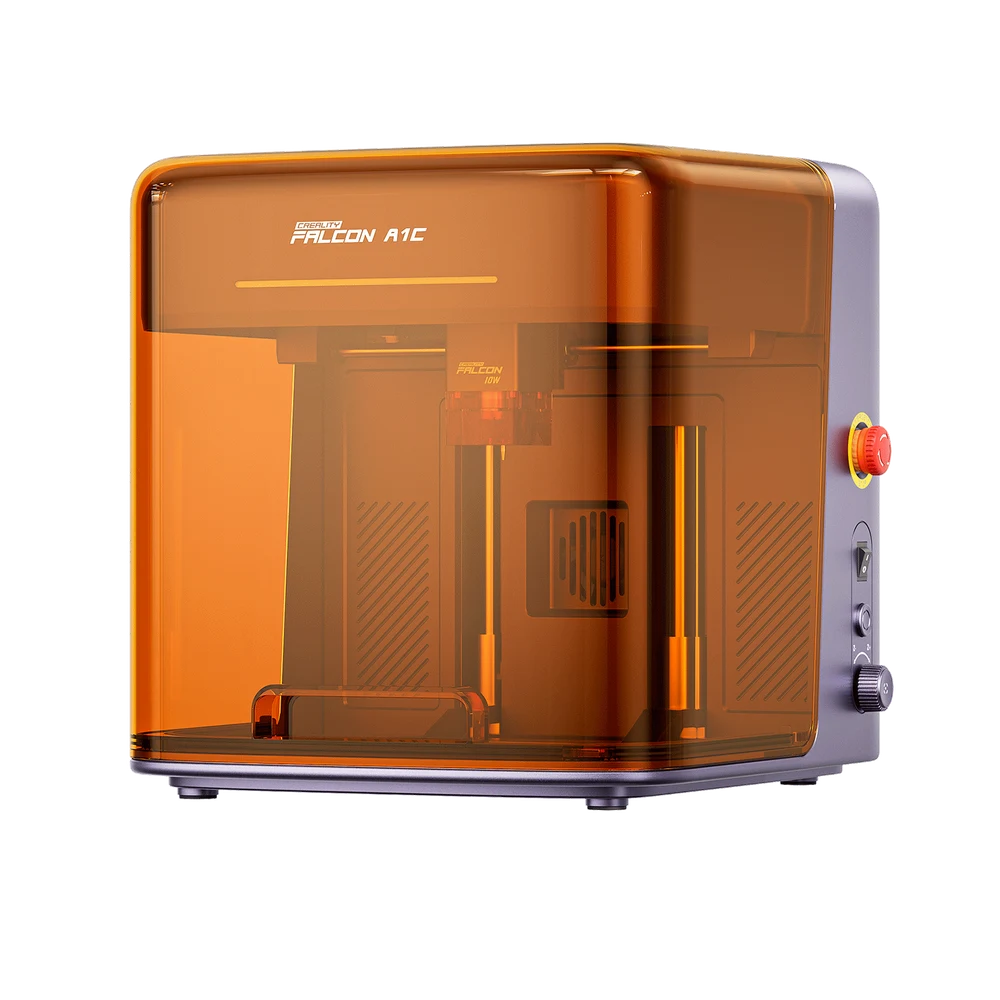 Image: Creality Falcon, A1C camera model.
Key specs: Selected laser: 10W blue diode; Working area: 150 x 150 mm; Maximum object height: 148 mm; Positioning: camera and autofocus.
The A1C is our pick for small gifts where placing the design matters more than filling a large sheet. A camera view helps you put a name inside the boundaries of a small blank, while automatic focus removes one manual adjustment. That is a concrete benefit when you’re making individual gifts of different shapes rather than repeating one large layout.
The $399.00 offer is the purple-and-gray AI camera model. Creality also sells a basic A1C without that camera, and says the camera cannot simply be added to the basic version later. Verify the selected variant at checkout. The optional infrared laser, rotary accessories and purifier should not be assumed to come with this diode-only offer.
Falcon Design Space is Creality’s software path. Its desktop requirements include Windows 10 or later and macOS 11 or later; check the current installer and device support. LightBurn compatibility doesn’t mean every camera or AI feature works identically outside Creality’s software.
Skip it if your intended blank or layout exceeds 150 x 150 mm. The enclosure is convenient, but it cannot compensate for a sign that simply won’t fit. Plan the exhaust route before placing it on a desk; enclosing the laser doesn’t make the fumes disappear.
5. LONGER RAY5 20W
Buy LONGER RAY5 20W on Amazon ->
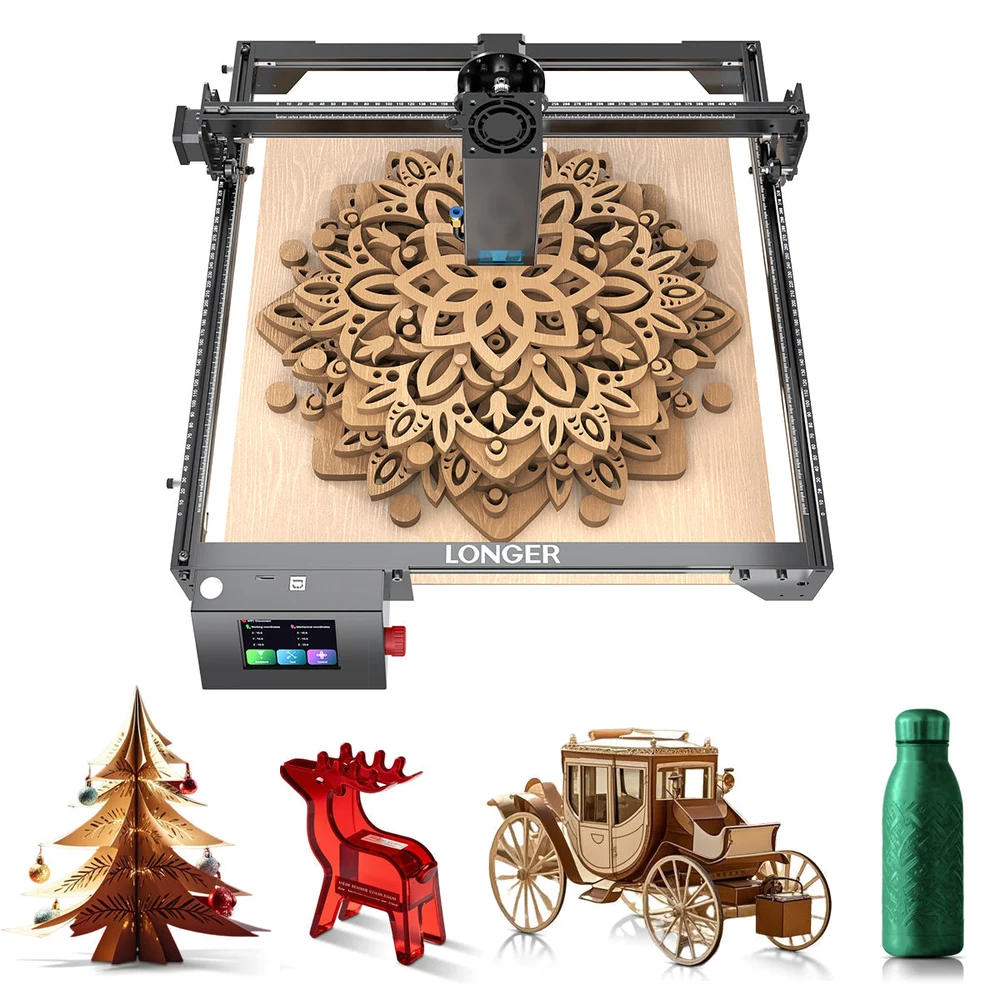 Image: LONGER, RAY5 model family. Example projects do not establish what materials or accessories are included.
Key specs: Optical output: 20W; Working area: 400 x 365 mm; Focus: manual; Design: open frame.
The RAY5 20W is the cutting-focused option for someone prepared to build out the surrounding workspace. At $399.99 it gives up the A1C’s camera and enclosed format in exchange for a larger area and a higher-output diode. That makes it a more relevant starting point for cut-out parts, provided the materials are approved for this laser.
Do not plan around a generic “400 x 400 mm RAY5” claim. LONGER’s specifications distinguish the 20W model’s 400 x 365 mm area from other heads in the family. The linked New Upgrade offer must also be checked for its particular accessory contents: a product-family photograph isn’t an inventory of your box.
Use the RAY5 20W download page for the matching manual and setup files. LaserGRBL requires Windows; LightBurn uses a separate license on supported Windows or macOS systems. Follow the model-specific focus and material setup rather than importing settings from a 5W RAY5.
Skip it if $500 is your total budget and you still need an enclosure, extraction and a suitable work surface. More optical power isn’t worth buying a machine you cannot set up responsibly.
What the Machine Price Leaves Out
Write down four separate costs: the machine, a suitable protected work area, fume extraction and the consumables or accessories needed for your project. Air assist directs air at the cut; it is not a substitute for extracting smoke. An enclosure contains the working space; it does not by itself clean the exhaust.
The University of Illinois’ laser-cutter safety guidance explains why ventilation, approved materials and intact interlocks matter. Avoid PVC, vinyl and unidentified materials, and use only materials approved by the machine and material supplier. Do not leave a running job unattended or bypass a lid interlock. Follow the manufacturer’s protection requirements for everyone who could enter an open-frame laser’s work area.
If there is no workable way to provide the required workspace at home, using an equipped makerspace can be a better first purchase than a cheap machine. And for electronics projects, remember that cutting a panel doesn’t assemble the circuit behind it; our soldering-station guide covers that separate part of the bench.
Who Should Buy What
- Small gifts with less manual positioning: Creality Falcon A1C camera, after checking the 150 mm limit.
- An enclosed machine for larger flat blanks: Woxcker L2 MAX, if its lower-output head suits your work.
- A low-cost frame for an already suitable workspace: ATOMSTACK A5 Pro.
- More flat working room at a moderate machine price: ORTUR LM2 S2 10W.
- A cutting-focused setup with room in the budget for protection: LONGER RAY5 20W.
FAQ
Can these lasers cut metal or clear acrylic?
Don’t buy these blue-diode configurations as metal-sheet or clear-acrylic cutters. Marking certain coatings or treated surfaces is different from cutting the material itself. An optional infrared head also changes the supported marking tasks, not automatically the machine’s metal-cutting ability. Check the exact manufacturer’s material chart for the selected laser and your intended material.
Is a 20W laser always better than a 10W model?
No. Higher optical output can matter for cutting suitable materials, but a smaller enclosed machine with a camera may suit individual gifts better. Working area, focus, positioning and the complete setup cost can change the answer before cutting power does.
Can I use a laser engraver indoors?
Only in a workspace that meets its manufacturer’s ventilation, fire and laser-safety requirements. An enclosed model still produces fumes and still needs supervision. A spare desk in an occupied room is not automatically a suitable laser workspace.
Do I need a software subscription?
Not simply to own one of these machines. LaserGRBL is a free Windows option for compatible models, manufacturer software has its own requirements, and LightBurn requires a license after the trial. Check the current license and supported operating systems before choosing your workflow; accessory and material costs remain separate.
Bottom Line
For names, ornaments and other small gifts, we’d start with the camera-equipped Falcon A1C, then measure the intended blanks before ordering. For a larger sign or cutting layout, the RAY5 20W is a more relevant machine to investigate, but its price is only part of the setup. Buy the workspace you can use, not the largest wattage you can afford.
This article contains affiliate links. PicksLab may earn a small commission at no extra cost to you. Our recommendations are based on the review method described in this article.