Affiliate disclosure: PicksLab earns commissions on qualifying Amazon purchases via the pickslab-20 tag, at no extra cost to you.
You pull a half-used roll of PETG off the shelf and start the same print that worked last month. This time the nozzle pops and the walls come out rough. A damp spool is one possibility. Before buying a dryer or chasing slicer settings, try a known-good spool of the same material with the same profile. If it prints cleanly, you’ve narrowed the problem without buying anything.
If you do need a dryer, the next question is what happens after the cycle. A SUNLU S2 is the least expensive of these options for one spool. The Polymaker PolyDryer makes more sense if that spool needs to go back on a shelf in its own sealed box. A Creality Space Pi Plus can prepare two compatible spools together, but it can’t give them separate temperatures.
Prices and What Comes in the Box
| Product | Price checked November 6, 2026 | What you’re buying | Main limitation |
|---|---|---|---|
| SUNLU FilaDryer S2, black | $38.24 | Fan-equipped single-spool dryer | One spool; plan separate sealed storage if needed |
| Polymaker PolyDryer, dock and standard box | $71.99 | Powered Dry Dock and removable storage box | One box included; the box alone doesn’t heat |
| Creality Space Pi Filament Dryer Plus | $89.00 | Original two-spool Plus with touchscreen and feed outlets | One shared drying chamber; not the V2 Plus |
These are checked new US offers, sold by SUNLU 3D Store, Polymaker LLC and Creality CL Store respectively and shipped by Amazon. No coupon or membership-only price is used. Check the selected bundle and delivered price before ordering. The spool pictured in a manufacturer illustration is not a promise of included filament.
Match the Dryer to the Spool and the Feed Path
| Product | Drying control | Capacity | After the cycle |
|---|---|---|---|
| SUNLU FilaDryer S2 | 35-70 C; touch controls and circulating fan | One spool up to 210 mm diameter by 85 mm wide | Feed from its outlet or transfer to sealed storage |
| Polymaker PolyDryer | Three dock power levels and timed cycles | Standard box: one spool up to 205 mm diameter by 78 mm wide | Remove the box from the dock and close its airlocks for storage |
| Creality Space Pi Plus | 45-70 C; timer up to 48 hours | Up to two freely rotating spools in one chamber | Four outlets for routing; use separate sealed storage between jobs |
Measure the reel, not the label. A spool labeled 1 kg describes the filament it holds, not the outside dimensions. A reel measuring 207 mm across and 80 mm wide is within SUNLU’s published envelope, but exceeds both limits on the standard PolyDryer box. Check the flanges at their widest points and leave room for the spool to rotate. If your existing printer feeder or spool holder already includes a documented drying function, check its limits before buying another appliance.
Look up the exact filament before choosing a temperature. Polymaker’s PolyLite PETG technical specifications list 65 C for six hours. The S2 and original Space Pi Plus can select that temperature, though their chamber displays aren’t measurements inside the winding. With PolyDryer, follow the supported power-level and duration guidance; it doesn’t let you dial in 65 C. The same manufacturer’s Fiberon PA6-CF20 sheet specifies 100 C for ten hours. None of these three is a supported substitute for equipment that can meet that recipe. A preset labeled Nylon doesn’t change the heating limit.
Check the printer end of the tube. A dryer outlet doesn’t replace a motorized multicolor feeder or make an unsupported material compatible with it. Confirm that your printer supports an external spool, route the PTFE tube without tight bends, and check that the spool feeds freely before committing to a long print. If feeding only fails from the box, check the path before adjusting extrusion settings. Follow the heater and printer manuals for placement, ventilation and operation.
1. SUNLU FilaDryer S2: One Spool at a Time
Buy SUNLU FilaDryer S2 on Amazon ->
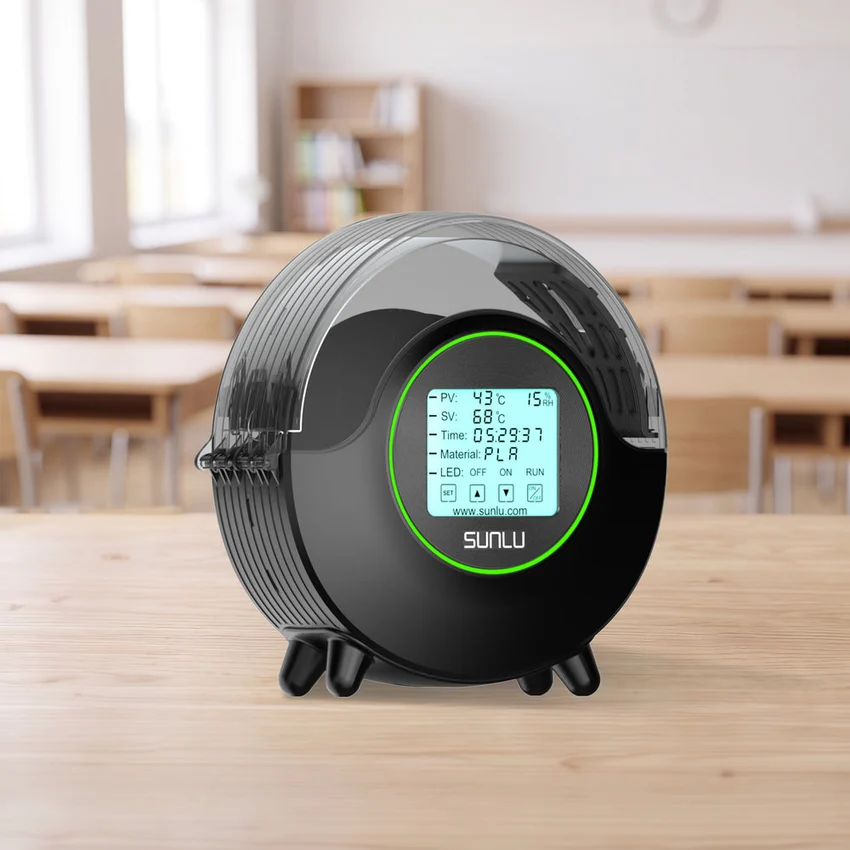 Image: SUNLU.
Price checked: $38.24, new.
Key specs: Capacity: one spool up to 210 mm diameter by 85 mm wide; Temperature: 35-70 C; Heating: dual heating plates with circulation fan; Controls: 4.6-inch display.
This is the least expensive way into the guide if one reel at a time is enough. The SUNLU S2 comparison gives the fit and temperature limits. The fan-equipped model’s controls let you set the cycle without a phone app; choose the setting for your material instead of assuming the preset is universal.
Choose it for one compatible spool and a short, workable path to the printer. Skip it if you need to prepare two rolls together or keep several rolls sealed on a shelf. Its humidity display describes chamber air, not the moisture content of the filament.
2. Polymaker PolyDryer: Dry on the Dock, Store in the Box
Buy PolyDryer kit on Amazon ->
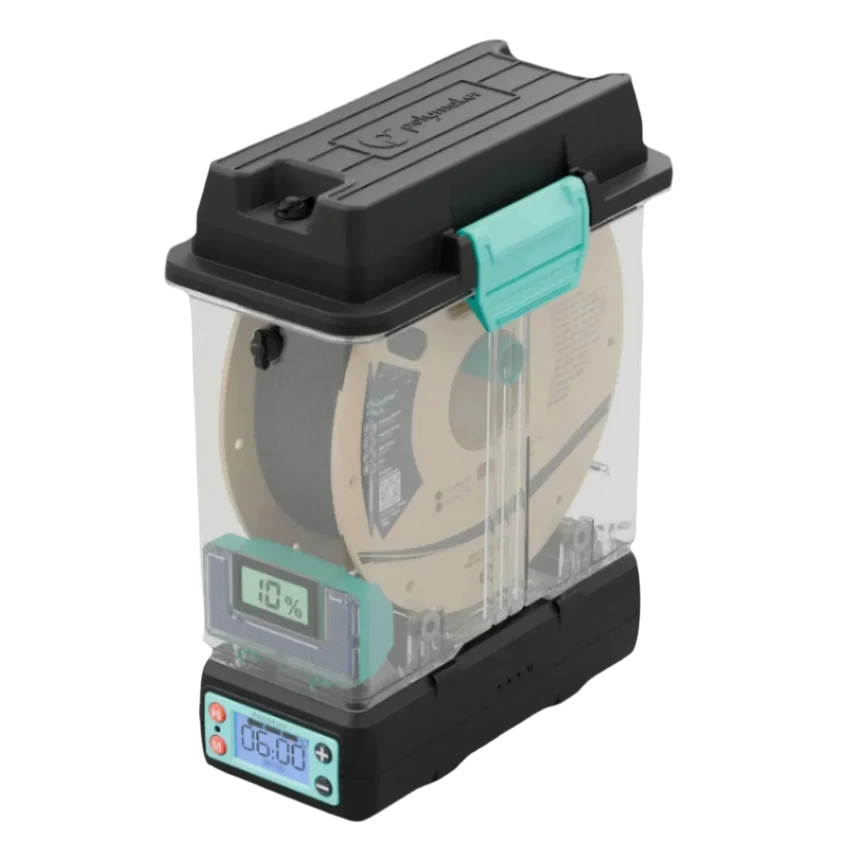 Image: Polymaker.
Price checked: $71.99, new.
Key specs: Package: Dry Dock and standard storage box; Spool envelope: 205 mm diameter by 78 mm wide; Controls: three power levels; Filament diameters: 1.75, 2.85 and 3 mm.
The box is what makes this one different. You can remove it after drying, close the airlocks and store the spool with its desiccant. When that roll comes back into rotation, you can use the outlet rather than leaving the lid open. The Polymaker manual shows how the seals, dock, roller and PTFE tube fit together. Use the dock’s physical controls; there is no required app or account. Polymaker instructs you to switch the dock off when unattended. A passive feed from the storage box is a different use from leaving the heater on.
Choose it if storage between jobs matters as much as the drying cycle. Skip the standard kit if your reel exceeds its stated envelope or you need to set a precise temperature. Additional boxes can share a dock one at a time. Check the bundle label: a box-only or dock-only offer isn’t the complete starter setup.
3. Creality Space Pi Plus: Two Spools, One Setting
Buy Space Pi Plus on Amazon ->
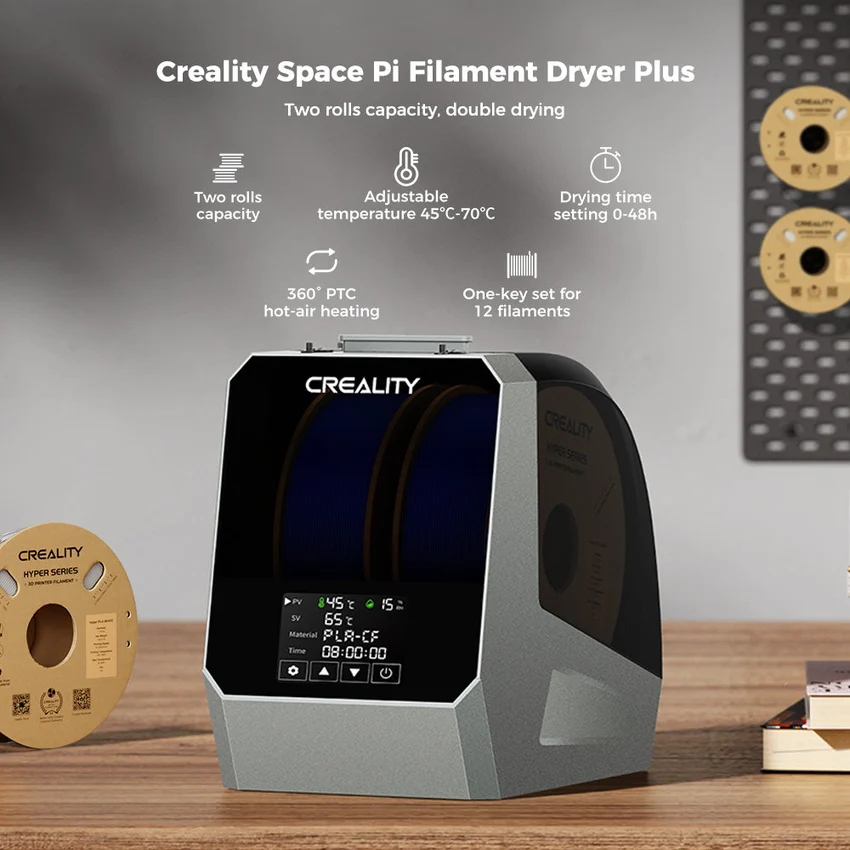 Image: Creality, original Plus gallery image.
Price checked: $89.00, new.
Key specs: Capacity: up to two spools; Temperature: 45-70 C; Timer: up to 48 hours; Feed outlets: four.
The original Plus gives you room to prepare two rolls before starting a job. Its setup guide explains loading the rollers, selecting settings on the touchscreen and routing filament through the outlets. No app or account is required for those controls. The Creality lineup comparison confirms that the Plus is a single temperature zone, unlike its separate-chamber models.
Choose it when two spools regularly need compatible settings. Skip it if those spools need different temperatures, or if a single small reel is all you use. Four outlets are routing options, not four spool positions. Verify you are looking at the original Plus, not the single-spool Space Pi or V2 Plus.
FAQ
Is a dry box the same as a filament dryer?
No. A sealed box and desiccant help protect a dry spool; a powered dryer applies heat under controlled settings. If your spools already print cleanly and your problem is shelf storage, start with sealed storage instead of a heater.
Can I put two different materials in one dryer?
Only if both materials and reels can use the same documented conditions. The Space Pi Plus has one chamber setting. If the recipes don’t overlap, run separate cycles or use equipment with independent zones.
Does the humidity reading tell me when the spool is dry?
Not by itself. It describes air around the sensor and changes as the chamber heats. Use the material maker’s documented cycle, then evaluate a small repeat print under the same settings. Treat a low reading as a clue, not a direct measurement of water in the plastic.
Will a filament dryer fix all stringing or rough surfaces?
No. Feed friction, nozzle condition, temperature and print settings can produce similar symptoms. A known-good spool and a short controlled reprint help separate those issues before you spend more. If you’re still picking a machine, see our beginner filament printer guide; resin printing uses a different material and setup.
Bottom Line
Start with the SUNLU S2 if one compatible spool is the problem. Buy the dock-and-box PolyDryer when you want drying and shelf storage in the same container, or the original Space Pi Plus when you regularly prepare two rolls on the same settings. If your spool doesn’t fit or the recipe exceeds the equipment’s documented range, none of those conveniences makes it the right dryer.
PicksLab is reader-supported. When you buy through links on our site, we may earn an affiliate commission at no extra cost to you. As an Amazon Associate, we earn from qualifying purchases.