Affiliate disclosure: PicksLab earns commissions on qualifying Amazon purchases via the pickslab-20 tag, at no extra cost to you.
You’ve sold something online, packed the box and bought its postage on your phone. Now you need to get that label onto the parcel. A 4x6 thermal printer can spare you the scissors, tape and half-used sheet of paper, especially when you’re sending several orders rather than one occasional return.
The catch is what happens between your phone and the printer. The Rollo X1040 Wireless lets an iPhone use its normal Print menu over Wi-Fi. The Phomemo 241BT and MUNBYN RW403B use their own phone apps over Bluetooth. At these prices, Rollo costs $200 more than MUNBYN. You’re paying for a different workflow, not a documented jump in resolution: all three list 203 dpi.
Prices and the Phone Route
| Product | Price checked | Phone printing |
|---|---|---|
| Phomemo 241BT, black | $69.99 | Import into Labelife; connect in the app |
| MUNBYN RW403B, white | $79.99 | Open in Munbyn Print; connect in the app |
| Rollo X1040 Wireless | $279.99 | iPhone/iPad Print menu on the same Wi-Fi |
New US Amazon prices checked November 11, 2026, before tax and shipping. Phomemo was sold and shipped by Amazon; MUNBYN and Rollo were sold by their respective brand stores and shipped by Amazon. The Phomemo offer includes 20 test labels, not a bulk refill. Check the exact bundle and delivery address before buying.
What Changes at the Packing Table?
| Product | Connection and software | Paper and power |
|---|---|---|
| Phomemo 241BT | Bluetooth through Labelife on iOS/Android; computer USB route also available | Direct thermal 4x6 labels; separate mains adapter |
| MUNBYN RW403B | Bluetooth through Munbyn Print on iOS/Android; USB computer connection | Direct thermal 4x6 labels; USB-C data is not its power input |
| Rollo X1040 Wireless | AirPrint for iPhone/iPad; Rollo setup and separate Android instructions | Direct thermal 4x6 labels; powered at the wall |
These print black content on compatible thermal stock. They aren’t photo printers, battery-powered handheld label makers or ordinary Letter-size document printers. For drawer labels and cable identification, our home-office label-maker guide covers a different size and material problem.
Check One Postage File Before Buying
Start in the website or app where you buy postage. Look for a 4x6 label/PDF output setting. A Letter-size page containing a label in one corner isn’t the same file, even if the label drawn on that page is four inches wide.
Here’s why it matters. If an entire 8.5-inch-wide Letter page is shrunk to fit a four-inch-wide sheet, its width becomes about 47% of the original: 4 divided by 8.5. A four-inch-wide label inside that page becomes roughly 1.88 inches wide. That is an illustration of whole-page scaling, not a prediction of any app’s automatic cropping. Enlarging a tiny screenshot afterward doesn’t recover the original detail.
Download the proper PDF when your selling channel offers it. Then check that the preview fills the intended label without cutting off the barcode, address or edges. If your channel only produces Letter output, establish the exact crop/import route in the manufacturer’s instructions before choosing a printer. Don’t assume a marketing list of marketplaces answers that file-format question.
Rollo’s AirPrint support note specifically recommends PDF files for the iPhone print menu and distinguishes them from photos, PNGs and screenshots. That’s a useful reason to save the actual label rather than photograph it.
If you ship only a few parcels, your existing home-office printer may be enough. A dedicated thermal unit becomes more compelling when repeated cutting and taping is the part you want to remove.
1. Phomemo 241BT
Buy the black Phomemo 241BT on Amazon ->
Price checked: $69.99, new.
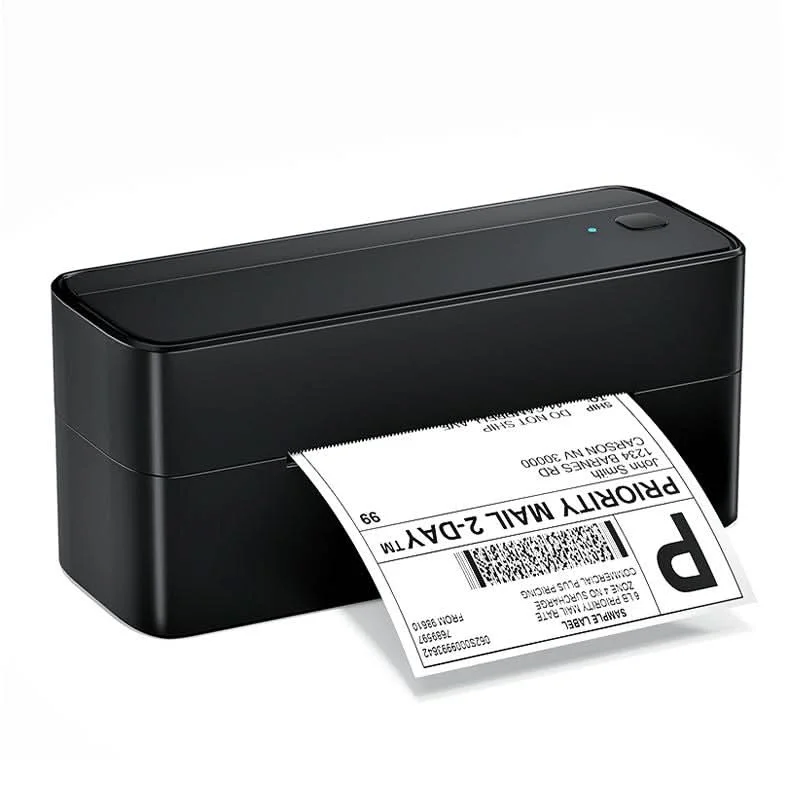 Image: Phomemo.
Key specs: Resolution: 203 dpi; Connections: Bluetooth and USB; Printing: direct thermal; Phone software: Labelife on iOS/Android; Power: separate adapter.
Phomemo is the lower-cost starting point when you’re happy to handle labels inside an app. Its product instructions and downloads identify Labelife for phone printing and separate computer drivers. Select the PM-241-BT model on the official download page. Pair inside Labelife rather than expecting the printer to appear in the iPhone’s AirPrint list.
Choose it for the lower purchase price when that app route suits you. Skip it if printing directly from the iPhone Print menu is a requirement. Its maker’s page contains conflicting maximum-width statements, so this comparison recommends it for the clearly supported 4x6 job, not every larger format mentioned on that page. App account requirements were not established; don’t buy it on a promise of account-free operation.
2. MUNBYN RW403B
Buy the white MUNBYN RW403B on Amazon ->
Price checked: $79.99, new.
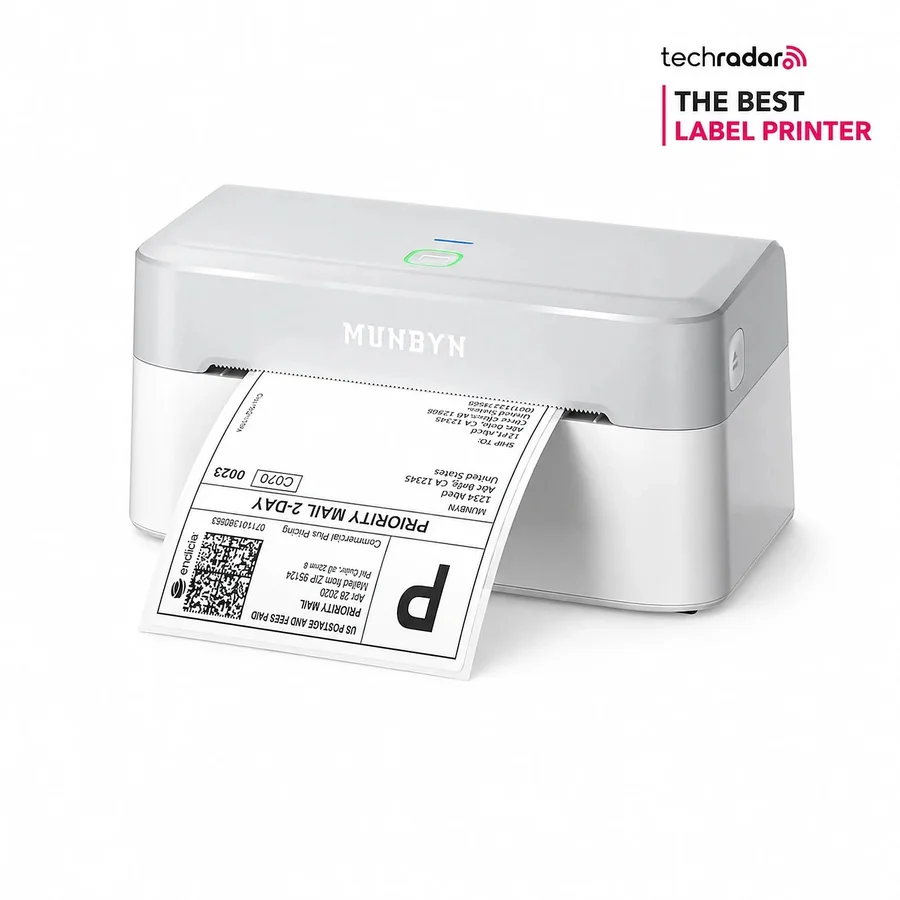 Image: MUNBYN.
Key specs: Resolution: 203 dpi; Label width: 1.57-4.25 inches; Connections: Bluetooth and USB; Phone software: Munbyn Print; Starter stock: 20 test labels.
The RW403B uses the same basic app-mediated phone workflow, but its current manual gives a useful setup sequence. Grant the app the necessary file and Bluetooth permissions, select RW403B, and load and calibrate the labels before printing a batch. The manual identifies the USB-C connector as computer data transfer; a separate DC supply powers the printer. Wireless printing doesn’t make this a portable battery printer.
Consider it when you prefer the Munbyn Print route and its documented label-loading instructions. The manufacturer page links the support resources; its included test stock isn’t a year’s supply. Skip it if you want native AirPrint. Its $10 premium over Phomemo doesn’t establish better scan accuracy, fewer jams or a longer service life, and those advertised performance claims aren’t the basis for this recommendation.
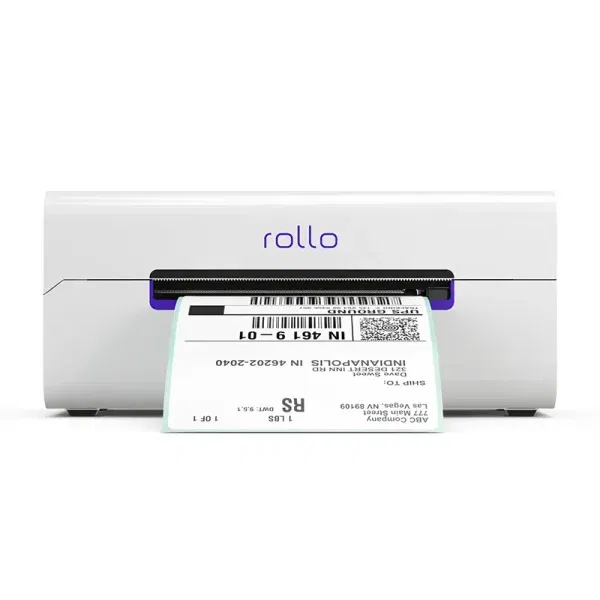
3. Rollo X1040 Wireless
Buy the Rollo X1040 Wireless on Amazon ->
Price checked: $279.99, new.
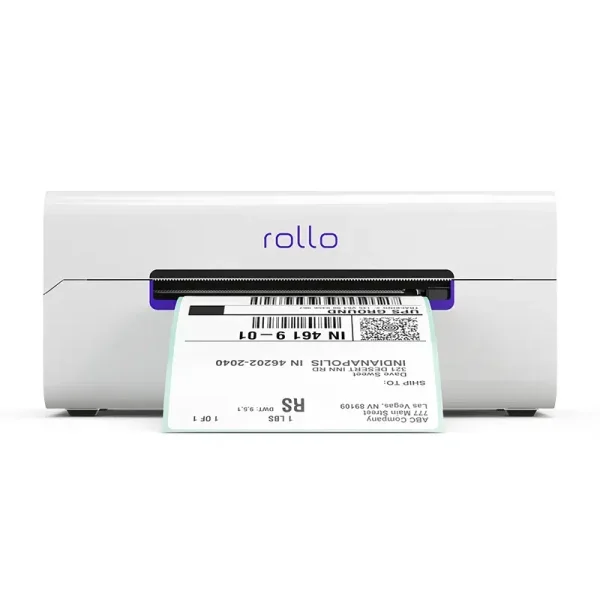 Image: Rollo.
Key specs: Phone protocol: AirPrint; Network: shared Wi-Fi; Label format: 4x6 PDF; Computer alternative: USB.
Rollo is the option here for someone who wants an iPhone PDF to go through the system Print menu. The official first-use instructions use the Rollo app, a Rollo sign-in and Bluetooth to put the printer on Wi-Fi. Then the phone and printer need the same Wi-Fi network for AirPrint. Initial Bluetooth setup isn’t the ongoing printing route. A guest network that isolates devices may prevent the phone from seeing the printer even when both have internet access.
Choose it when avoiding a separate label-import app is worth the extra cost. Its AirPrint instructions make the PDF route explicit. Skip it when you’re content with a Bluetooth app and ship too infrequently to justify the $200 step up from MUNBYN. This is X1040 Wireless, not the cheaper USB-only X1038.
Rollo also sells a shipping service. Buying postage and printing an already-purchased label are separate jobs; don’t assume that changing printers requires moving every order into a new shipping subscription. The official Android instructions require the Rollo app, sign-in and the same Wi-Fi network, and limit that phone route to 4x6 labels. The computer USB instructions are a different fallback, not a way to cable an iPhone directly to the printer.
Which Route Fits Your Orders?
If you already buy postage on an iPhone and want to stay in Files or an app’s standard Print action, start with Rollo Wireless. If cost matters more and importing a PDF is acceptable, compare Phomemo and MUNBYN by the app you can actually use.
There are other routes. Brother’s QL-1110NWBC combines network printing and an automatic cutter, but uses a different DK supply family. We couldn’t establish a suitable current US Amazon offer for this comparison. An ordinary printer, or a carrier-supported label service where available, can still be the better answer for occasional shipments.
FAQ
Will a Bluetooth printer appear in the iPhone Print menu?
Not merely because it has Bluetooth. Phomemo and MUNBYN’s documented phone routes use their apps. Rollo X1040 supports AirPrint over the network. Check the exact model and connection method, not just the word wireless.
Does buying a printer include postage?
No. The printer puts a label file onto paper. You still need to buy the appropriate postage or use a valid prepaid return label. A shipping-platform promotion is separate from the hardware and shouldn’t determine whether your existing label files can print.
Do thermal labels need ink or a special brand of refill?
These use direct thermal stock rather than ink cartridges. Buy the right dimensions and a compatible feed format. Rolls need physical space and may need a holder; fanfold stock needs clear space behind the printer. Don’t assume Brother DK, DYMO supplies and loose 4x6 thermal labels are interchangeable.
Can I print screenshots of labels?
Prefer the original correctly sized PDF. Screenshots add a resolution and cropping problem; Rollo specifically distinguishes them from its supported iPhone PDF route. Check one preview and one printed label before committing to a large batch.
Bottom Line
The practical choice is between an app and a network print queue. Phomemo 241BT costs least here; Rollo X1040 Wireless buys the native iPhone PDF-printing route. Before either purchase, make sure your selling channel can supply the label file you intend to print.
This article contains affiliate links. PicksLab may earn a small commission at no extra cost to you. Our recommendations are based on the review method described in this article.